





crabble
Utente Registrato
-
Iscritto il
-
Ultima visita
Tutti i contenuti di crabble
-
-
-
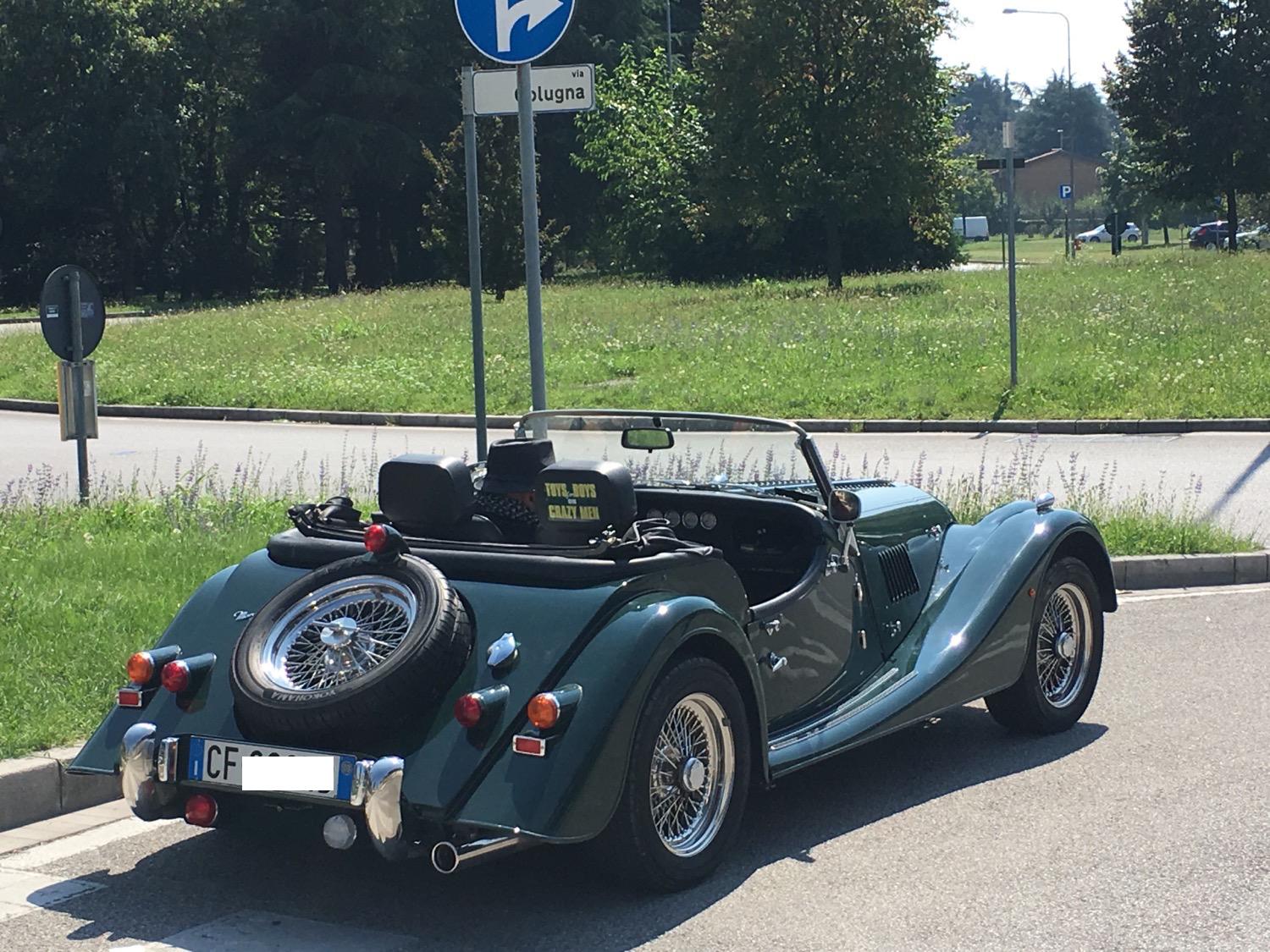
Si è scritto quello ma cosa vuol dire? E`la versione omosessuale di questo?
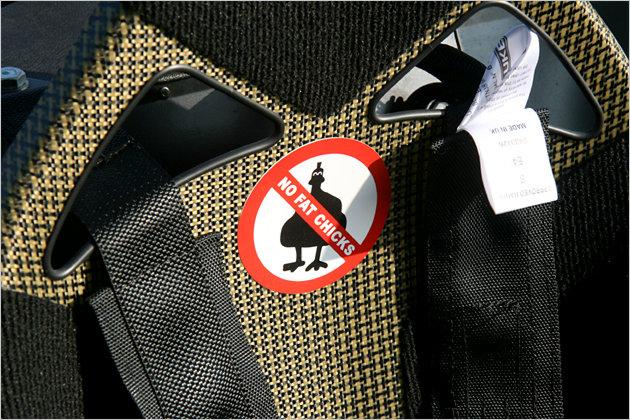
-
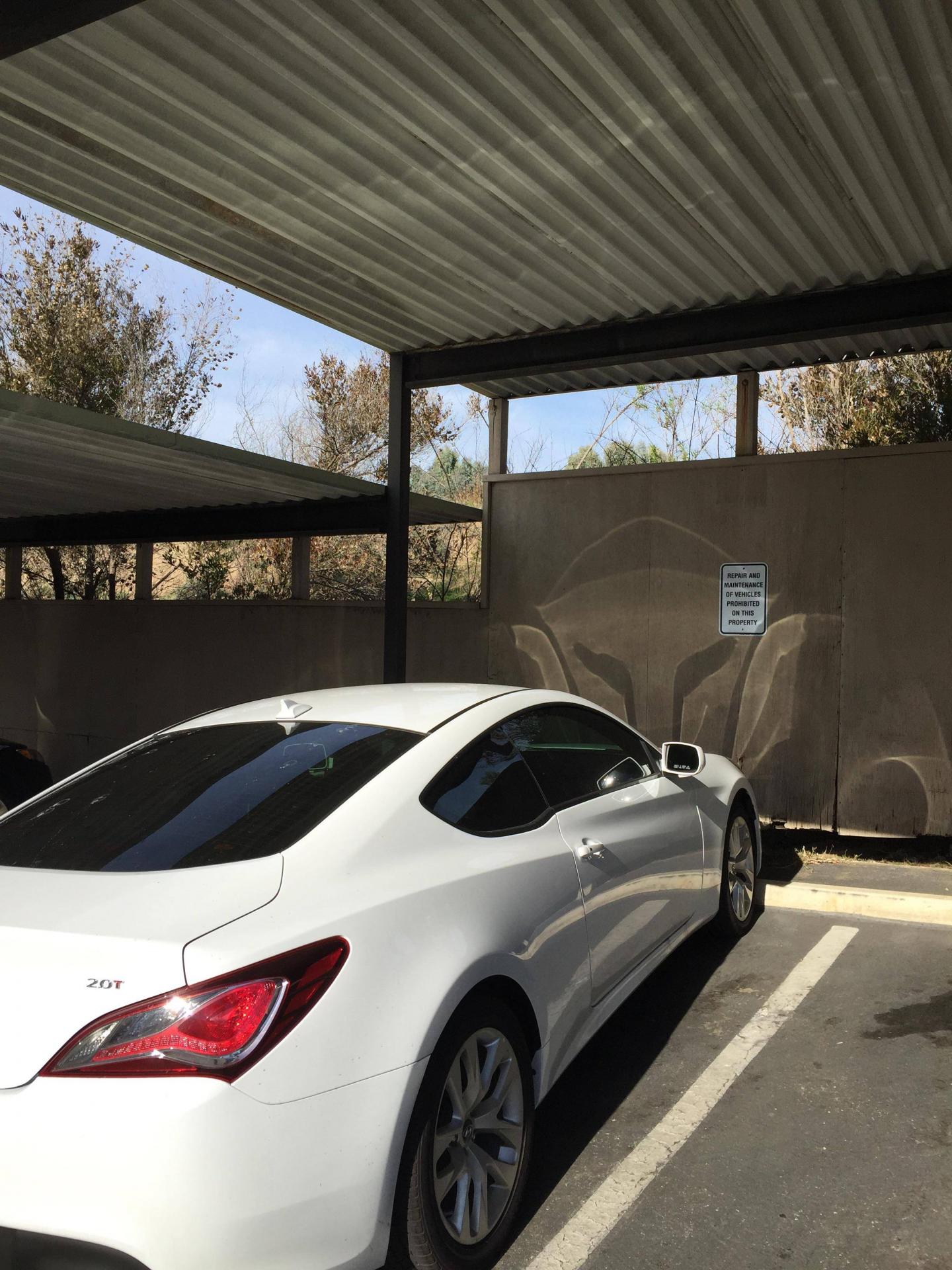
Che cos'è quella scritta dietro il sedile passeggero?
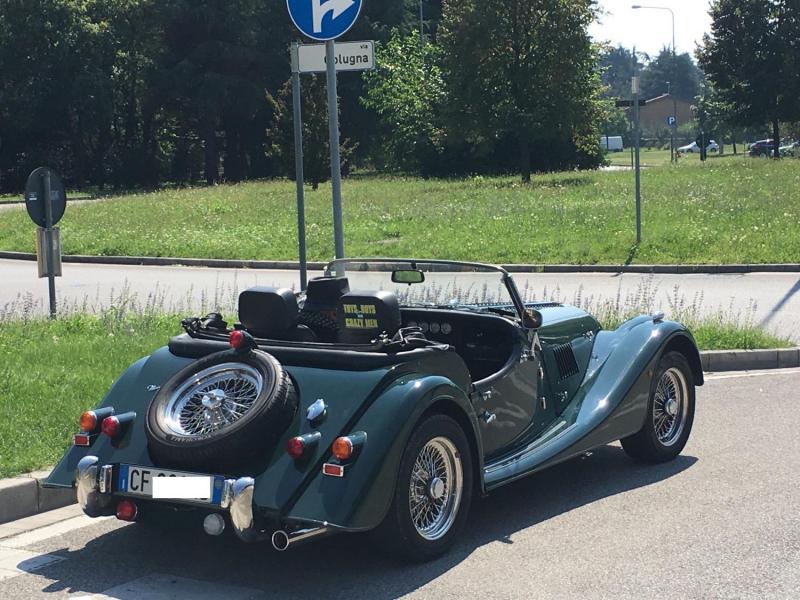
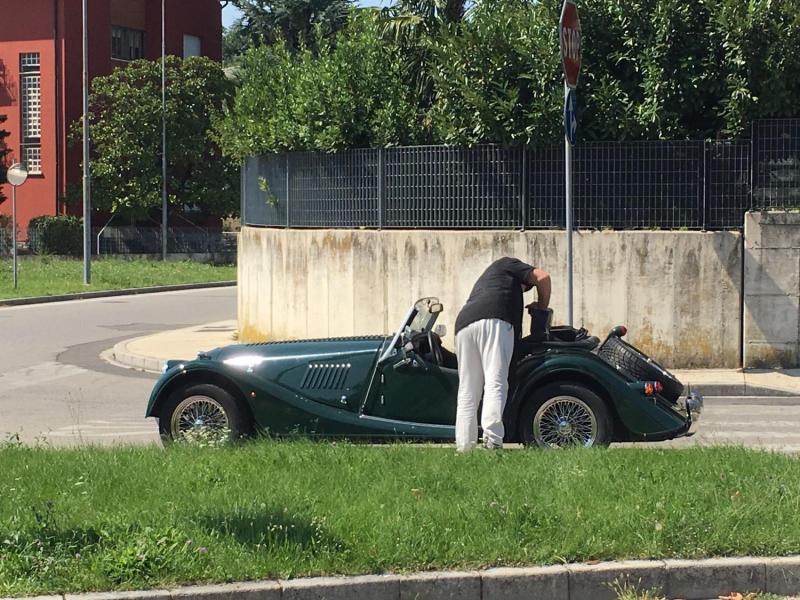 Ah è vero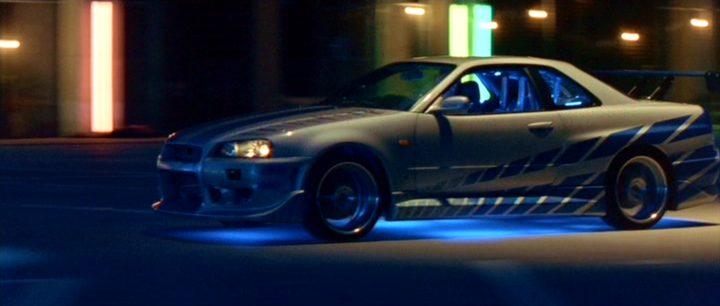
- 42 risposte
-
- auto in arrivo
- concept
- foto nuove auto
- maybach
-
Taggato come:
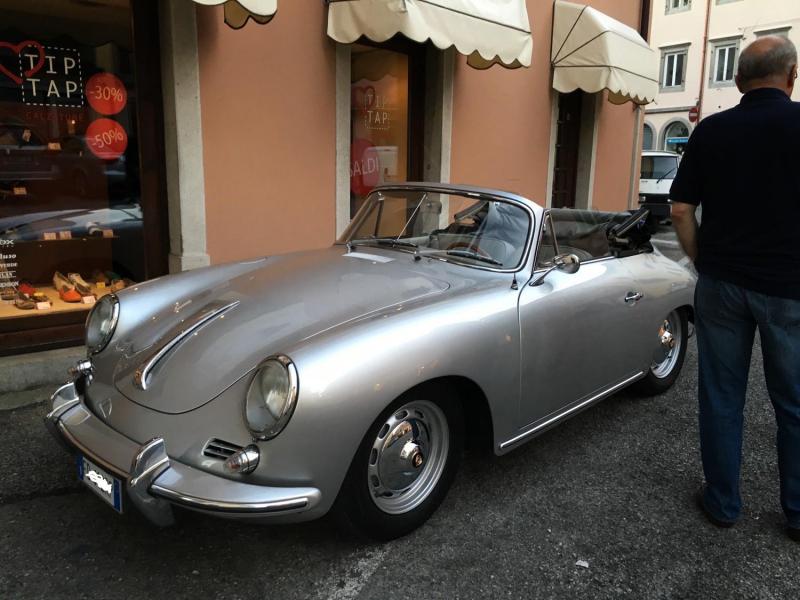
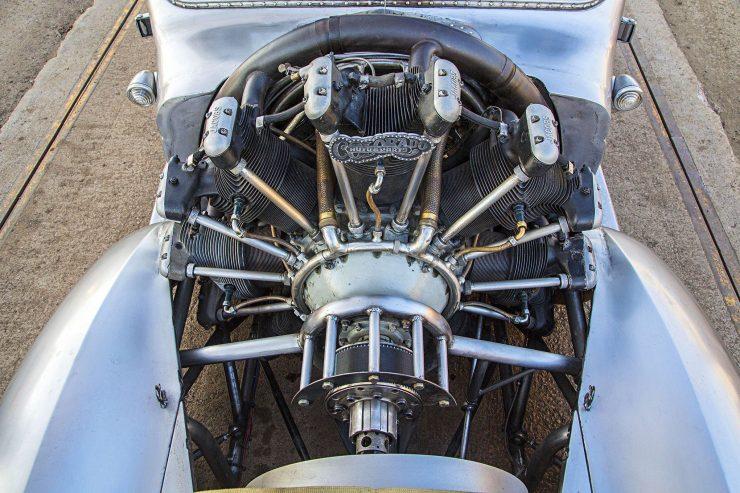
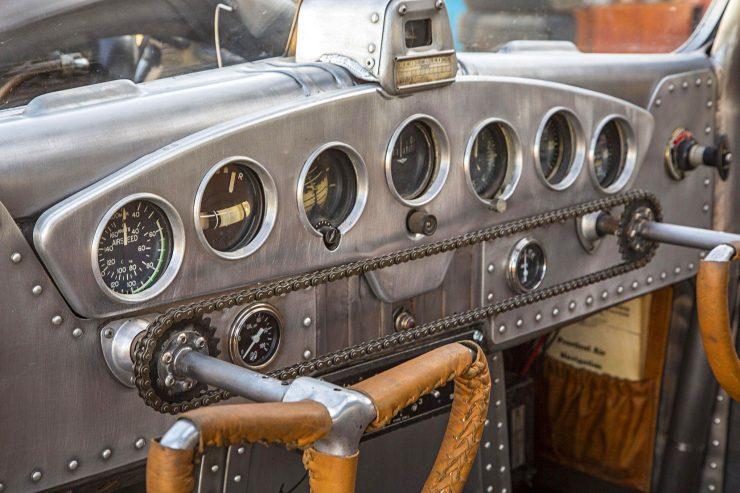
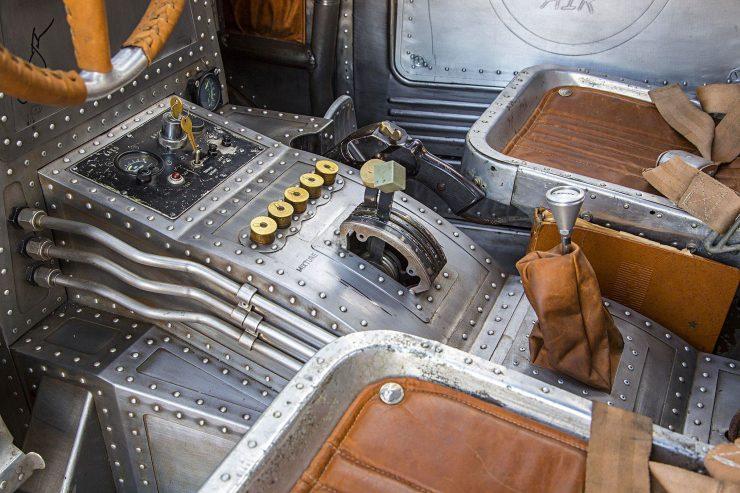
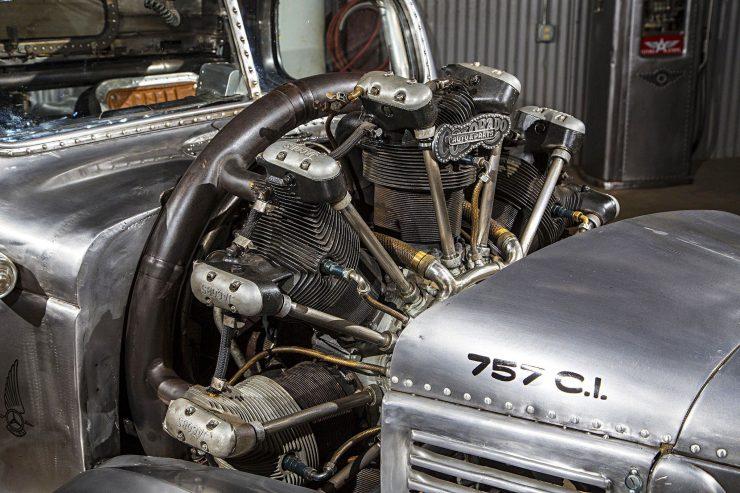
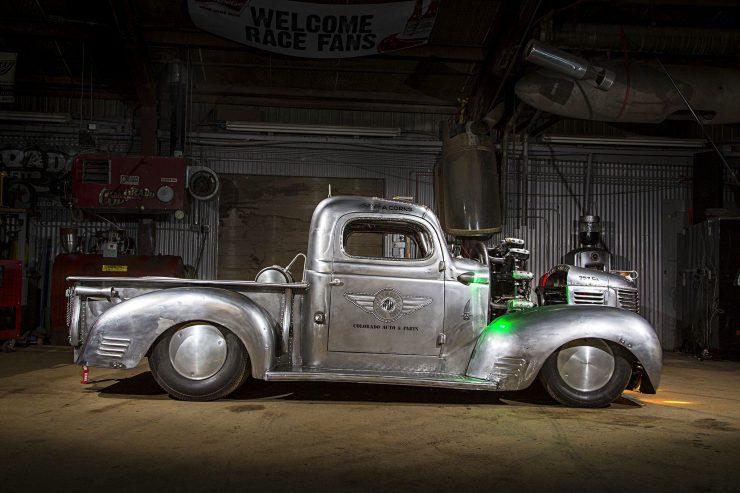
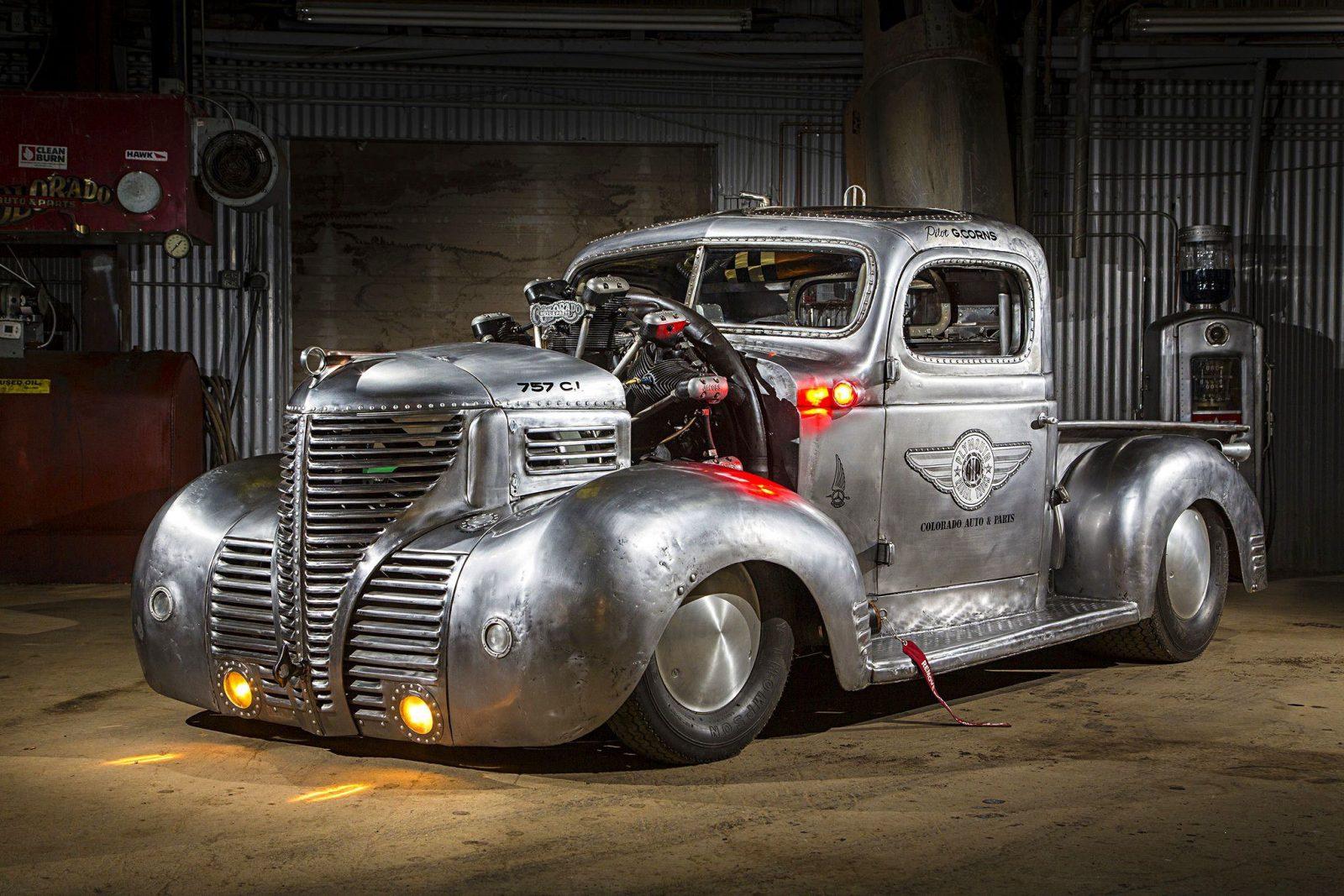
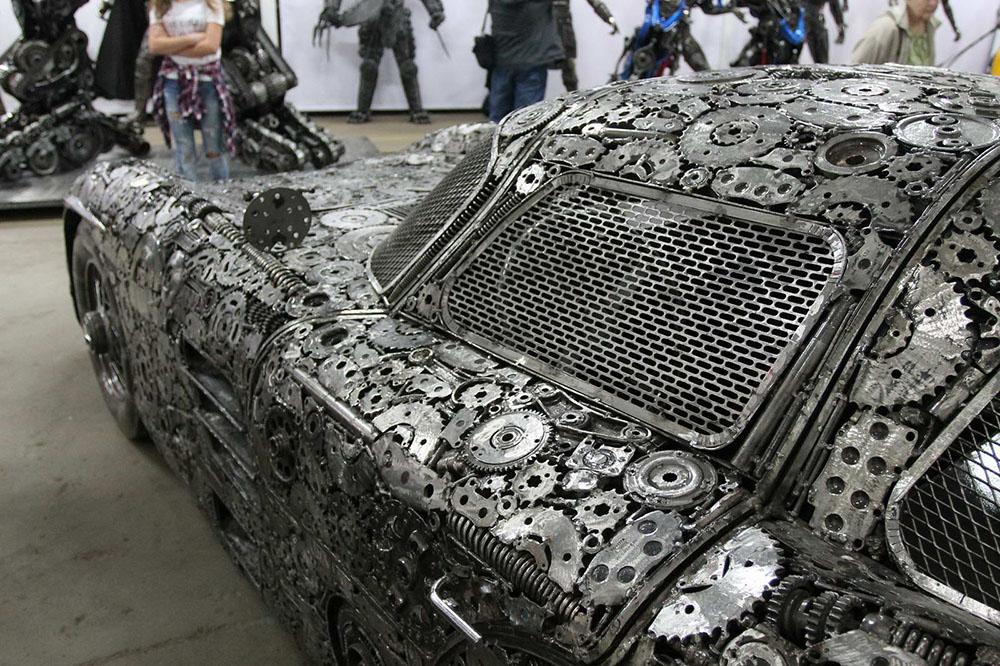
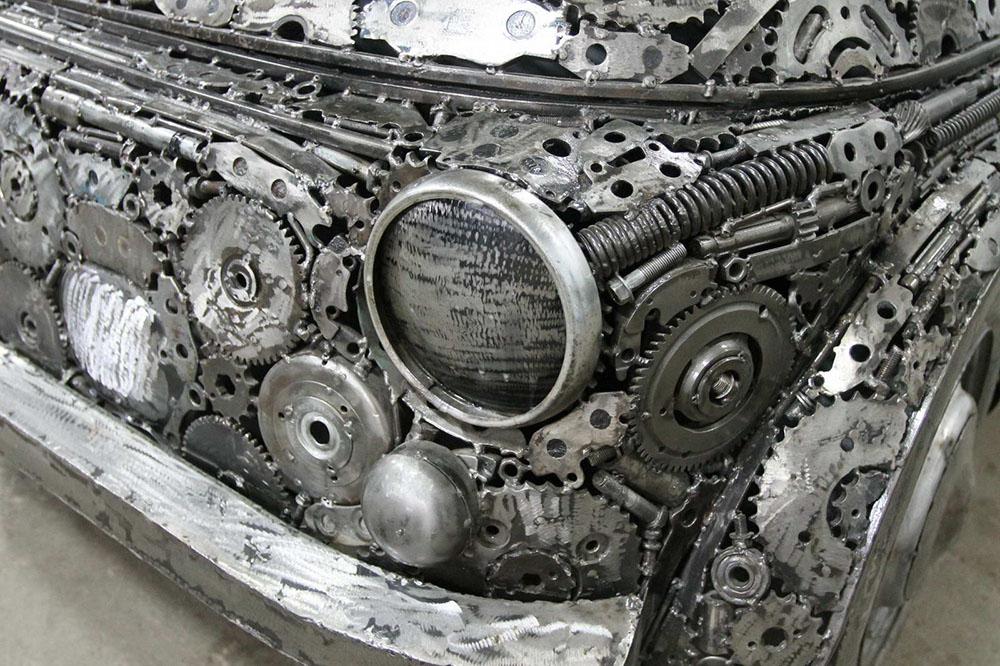
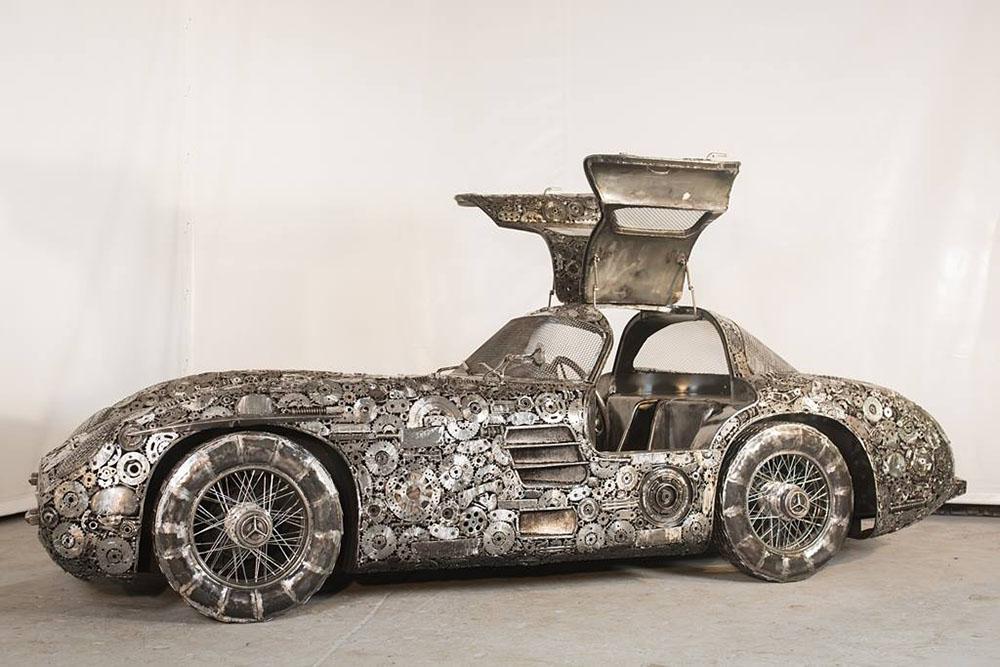
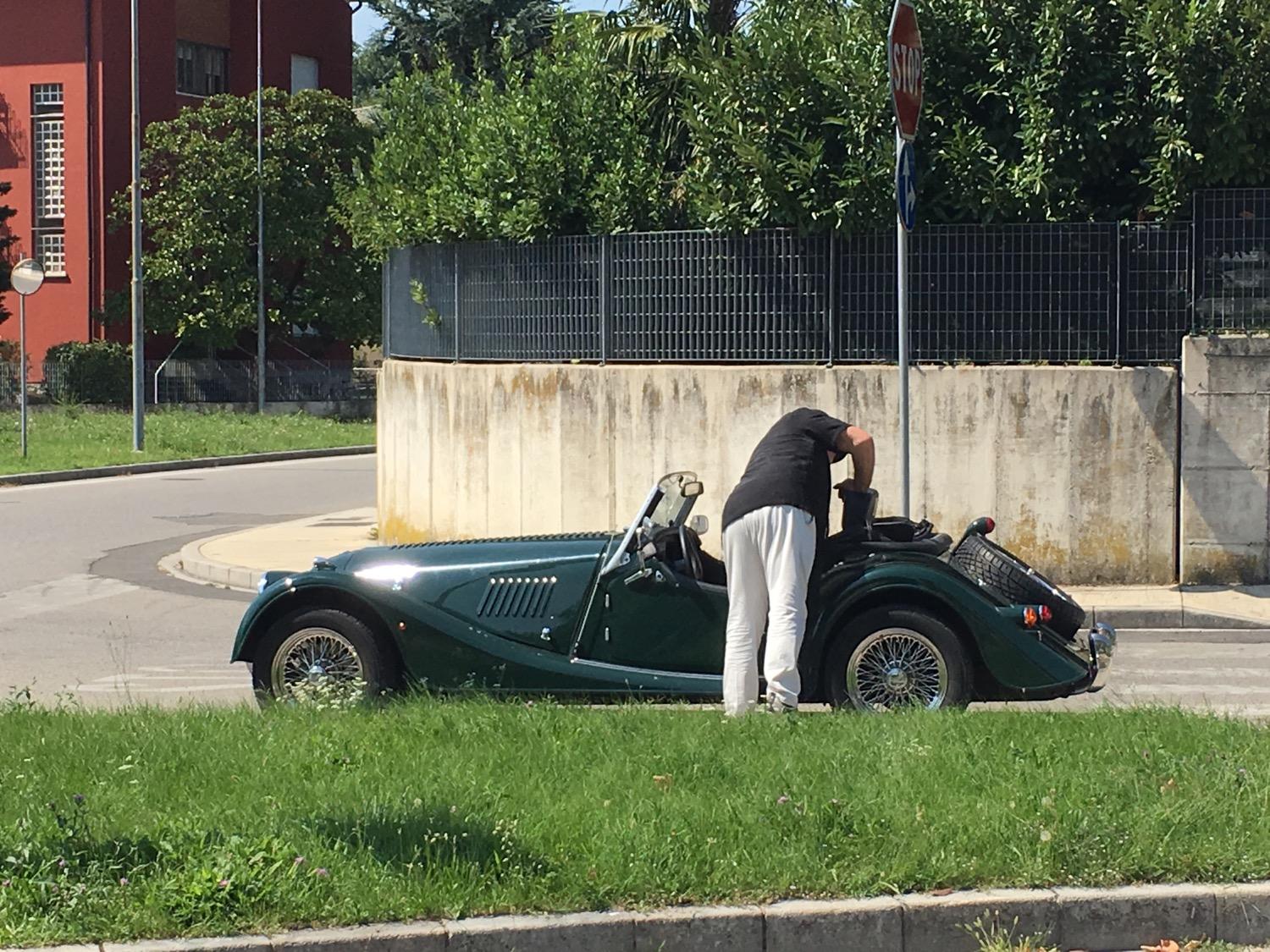
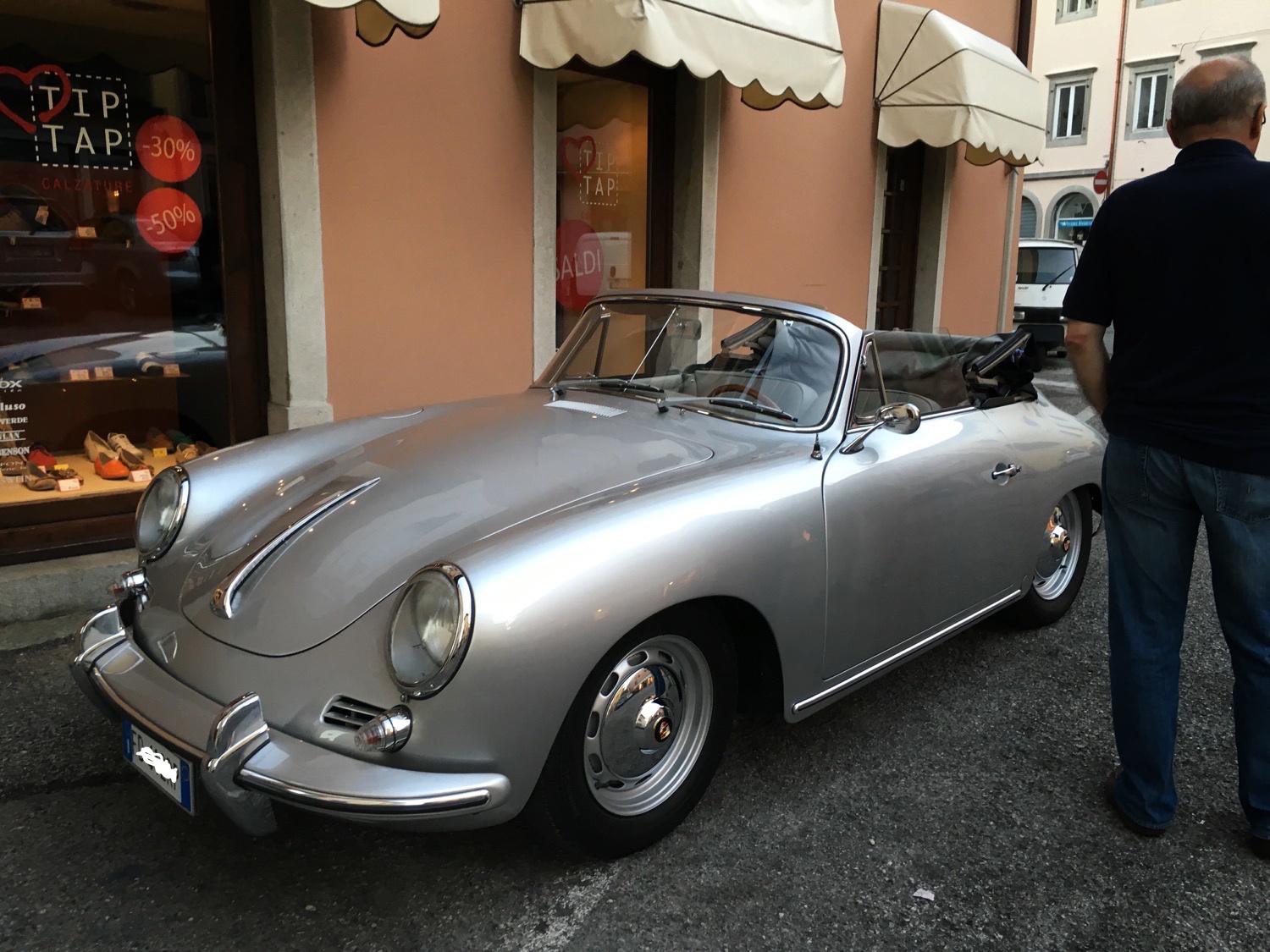
Ma che auto è? Una delle ultime 356 speedster? Una replica? L'ho trovata l'altro giorno...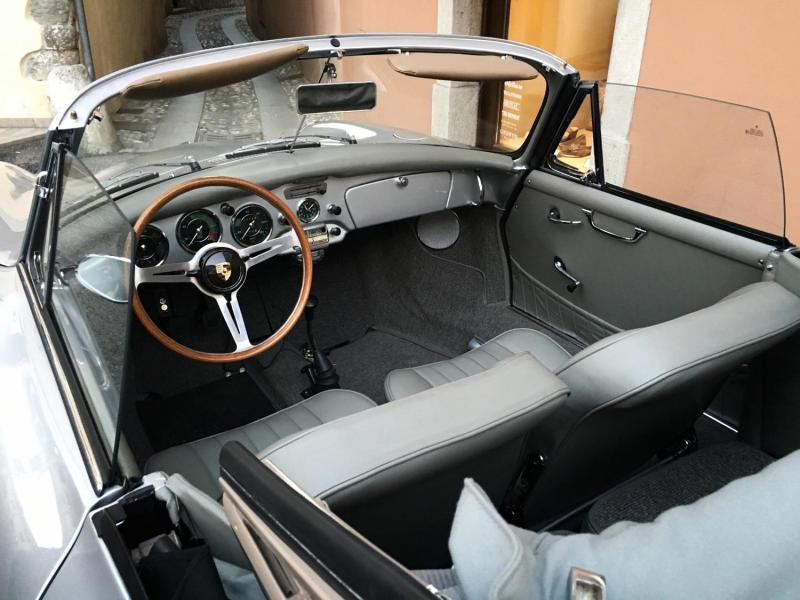
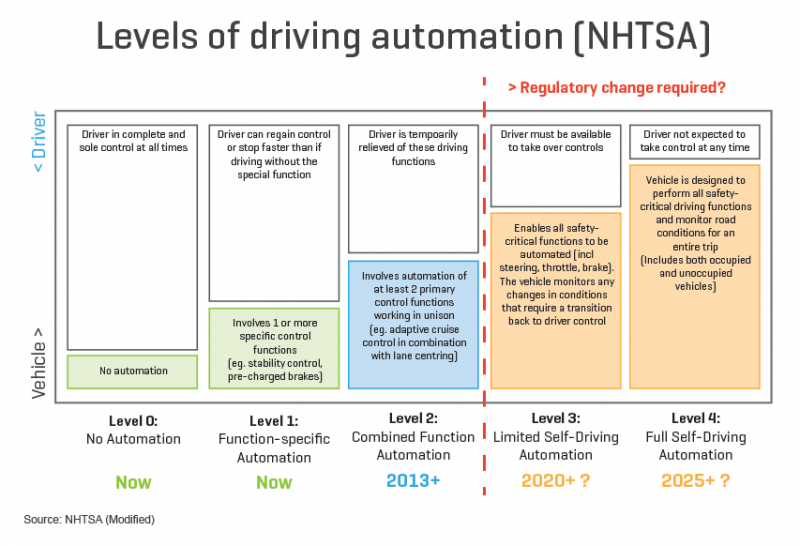
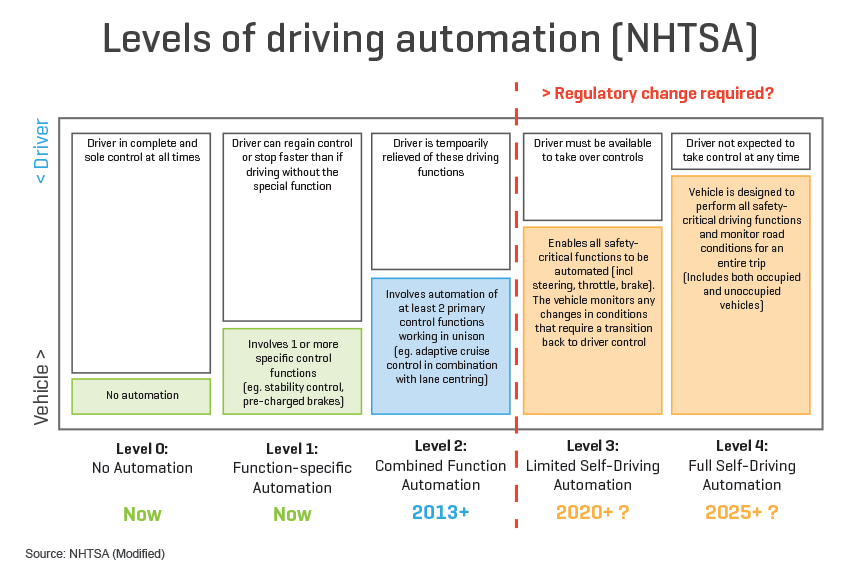
 Any Tesla driver following the company’s Autopilot guidelines, or drivers who are quick to respond to the Hold Steering Wheel alert, never experience the abort procedure. Now for whatever reason, there are Tesla owners who push the feature and don’t immediately respond to the alerts. After reviewing the vehicle logs in a few of the recent so-called ‘Autopilot accidents’, Tesla implied that it was the cause of some of them. For example, Tesla reported that the Model X in the accident on the Pennsylvania Turnpike initiated the abort procedure 11 seconds prior the accident. Tesla responds to ‘cover-up’ claims in ‘Montana Autopilot Accident’, offers more details on investigation A similar situation with the Model X accident in Montana last month, Tesla says that the driver ignored several alerts prior to the impact. Now we learn that Tesla is about to introduce a new restriction with the upcoming v8.0 software update to give more weight to the alerts. According to sources familiar with the Autopilot program, Tesla will add a safety restriction that will result in not only the Autopilot disengaging after alerts are repeatedly ignored, but also blocking the driver from re-engaging the feature after it was automatically disengaged. The driver will not be able to reactivate the Autopilot until the car is stopped and put in ‘Park’. So far, it looks like it would only affect the Autosteer feature of the Autopilot and TACC would still be available for the duration of the drive. The goal of the new restriction appears to be to encourage Tesla owners to respond to the visual alert and not to ignore them. Now owners will also be happy to learn that with the new safety restriction, they should receive fewer alerts in v8.0 since Tesla is also introducing significant improvements to the Autopilot. We discussed the new off-ramp feature (and we should be able to share more about that soon), but Tesla is also pushing improvement to the overall Autopilot performance in v8.0. After around 200 million miles driven on Autopilot, Tesla is refining its system and aside from hardware limitations, like the sun glaring in the single-front-facing camera, the system is now reportedly extremely efficient in good conditions and can handle ramp-to-ramp highway driving. Of course, always with vigilant monitoring by the driver. Last week, Elon Musk said Tesla’s software v8.0 with improved Autopilot is going to ‘final review’. We expect the release to be imminent. electrek.coNon voglio difendere Tesla ma specificare che in realtà non è un autopilot, tecnicamente solo il nome commerciale è un autopilota ma legislativamente rientra nella "guida assistita", e infatti tesla nei TOS specifica che non bisogna togliere le mani dal volante, o distrarsi, ecc.. è solo che il nome è ingannevole, ovviamente è una trovata pubblicitaria, come quasi tutto in Tesla, però legislativamente non hanno colpe. @Cosimo sarebbe come se costruissi una casa con la cordicella ma specificano nel contratto di acquisto che "sono in fase di costruzione e non potete sporgervi". Poi ovviamente la gente lo farà però anche una motosega può far male o bene, dipende da come viene usata. Anche i touchscreen sulle auto allora distraggono tantissimo, e non c'è neppure nulla che ti avverta di "concentrarti sulla guida" mentre la Tesla si ferma se non metti le mani sul volante quando lo richiede. Secondo me è una mossa commerciale azzarda il nome in se e la pubblicità che gli fanno. Poi se la gente lo usa guardando un film o dormendo in auto, è colpa della gente. E`solo perchè è nuova e non c'è una cultura di questa feature ma anzi ci si diverte a testarla... Anche perchè pure sulle ultime Mercedes ci sono funzioni di guida assistita quasi uguali a quelle tesla (compresi i sorpassi in autonomia solo mettendo la freccia), solo che non lo chiamano "autopilota". L'autopilot Tesla è solo al livello 2, anzi dicono tra il 2 e il 3 livello ma non ha nemmeno tutti i requisiti del terzo stadio appunto. La guida autonoma vera è ben distante
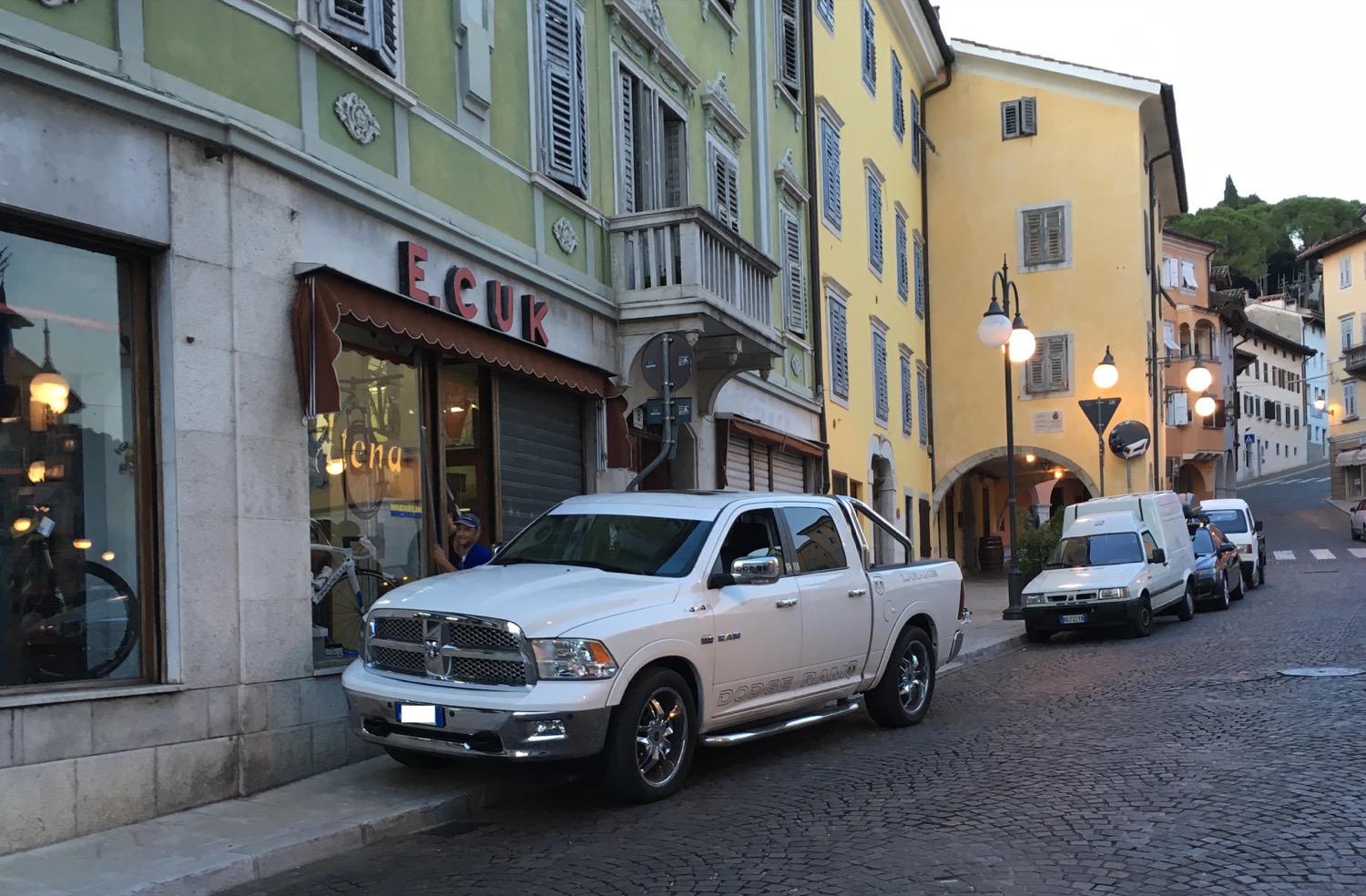
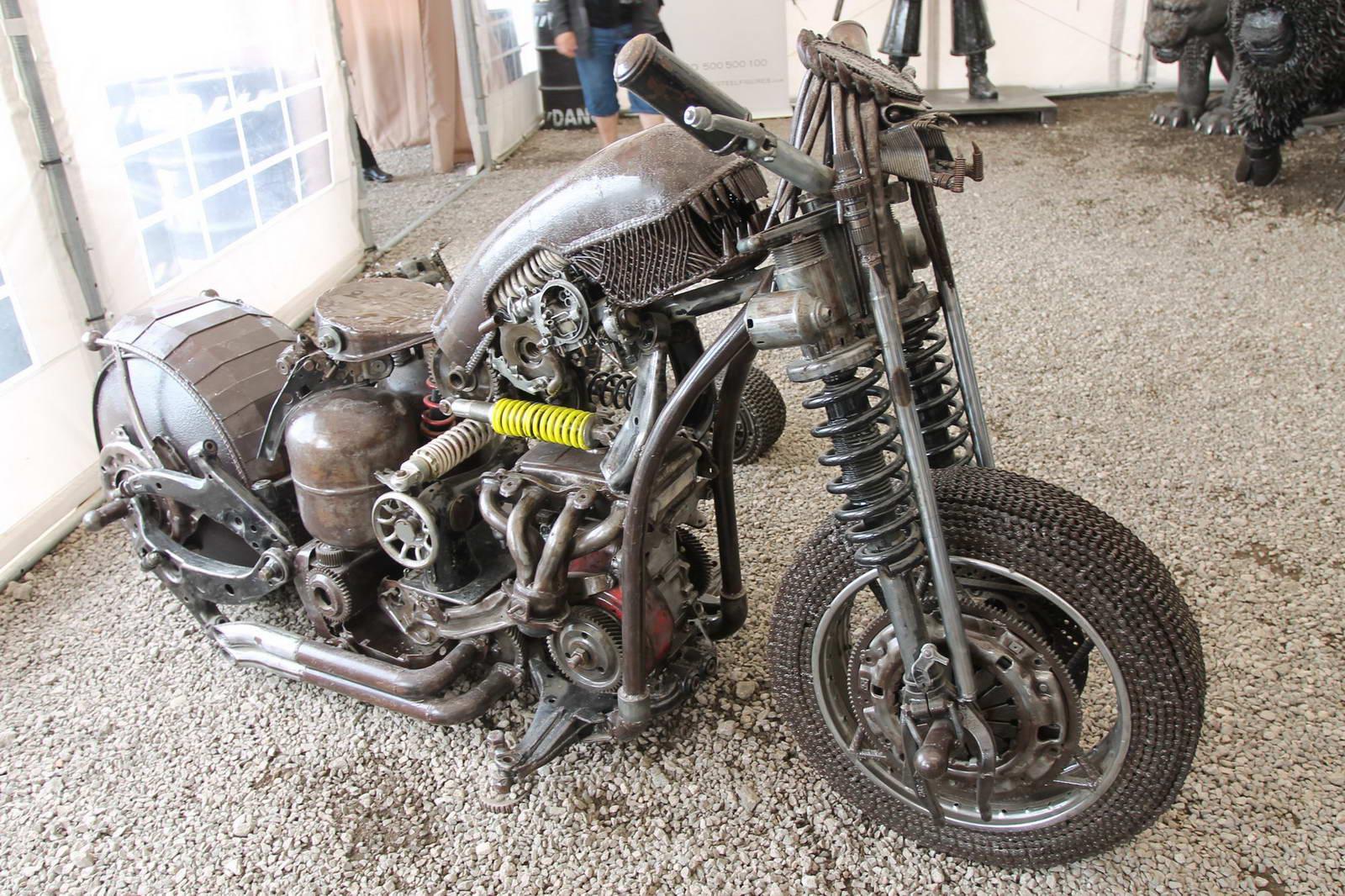
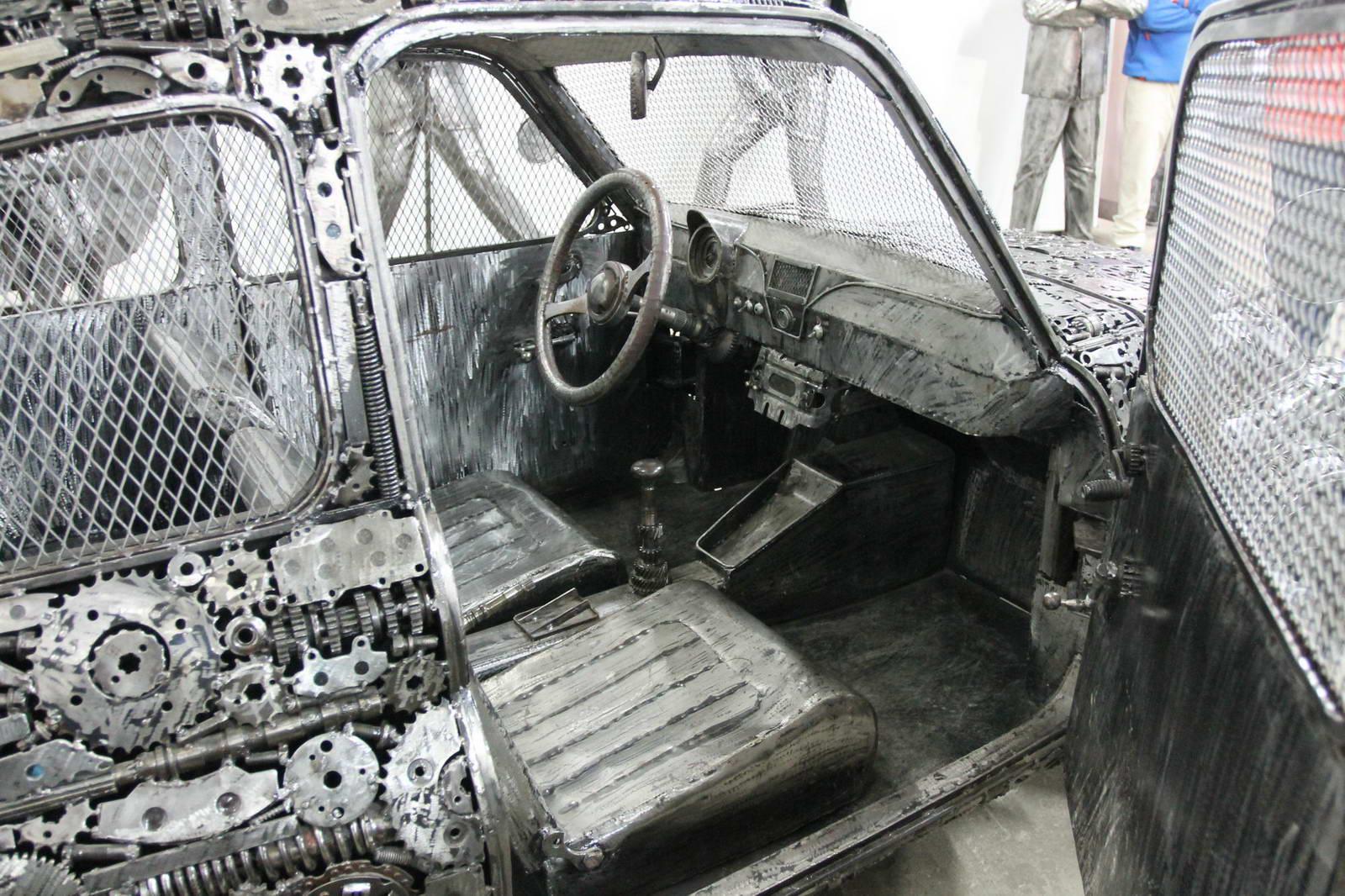
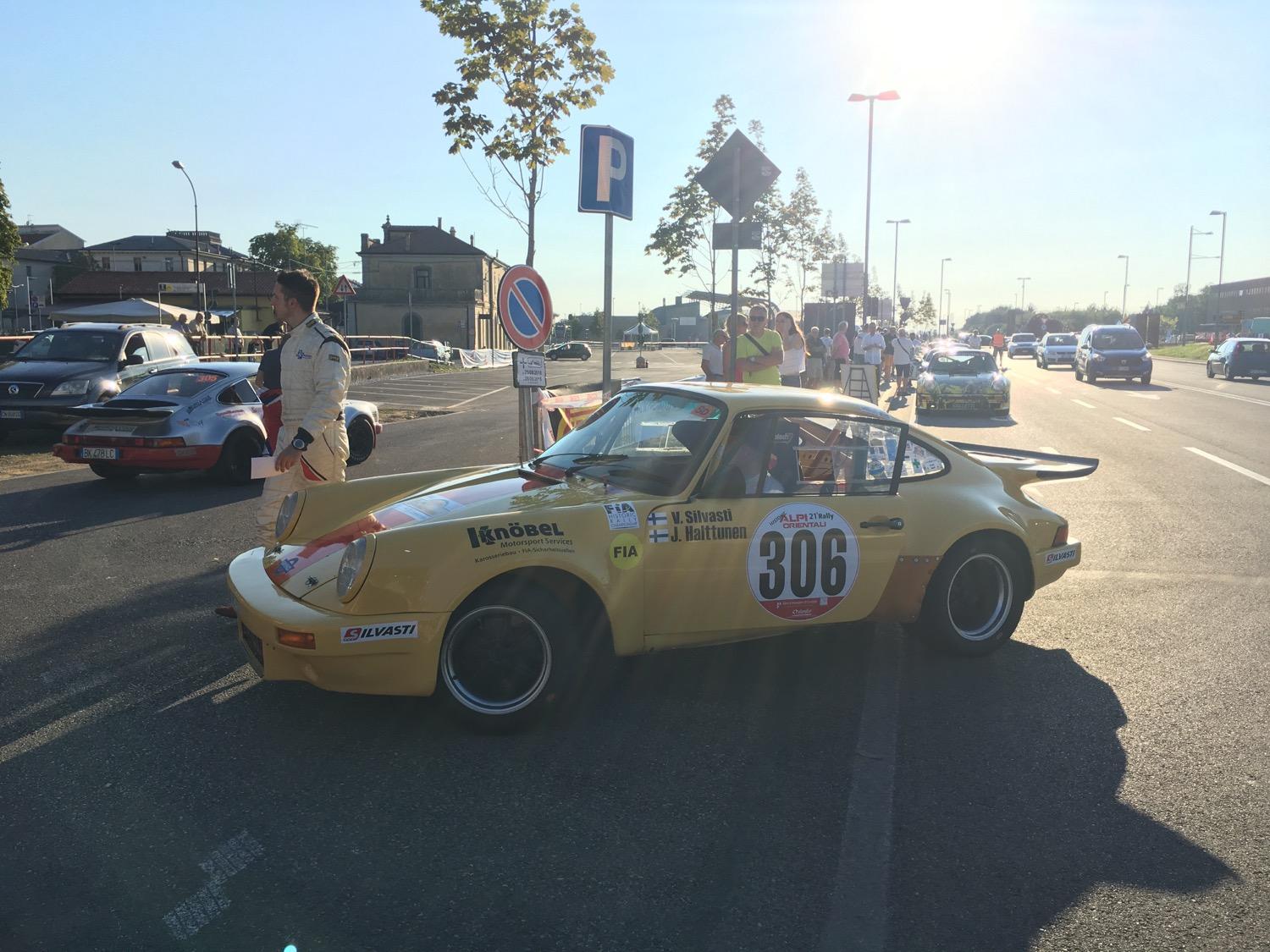
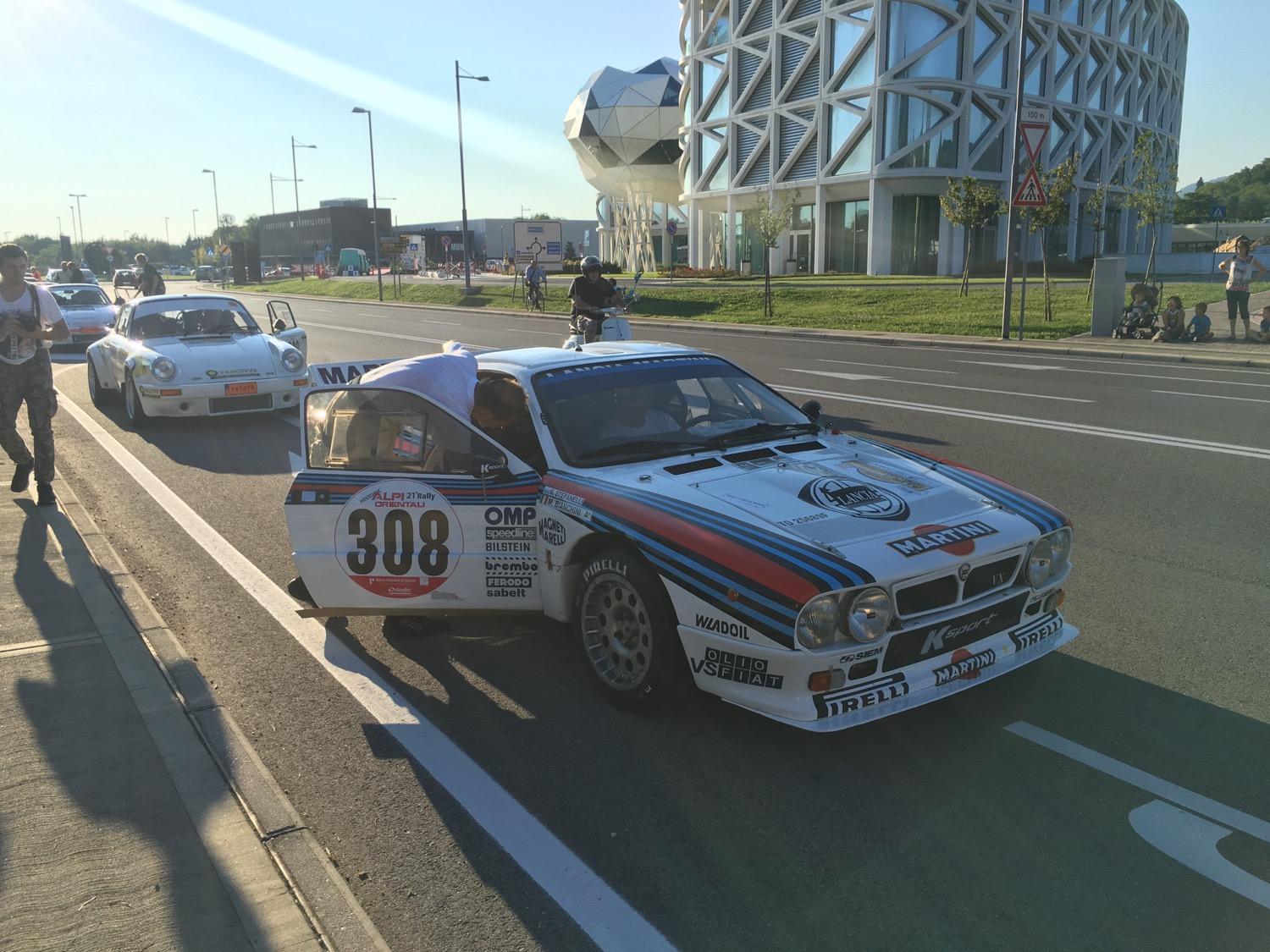
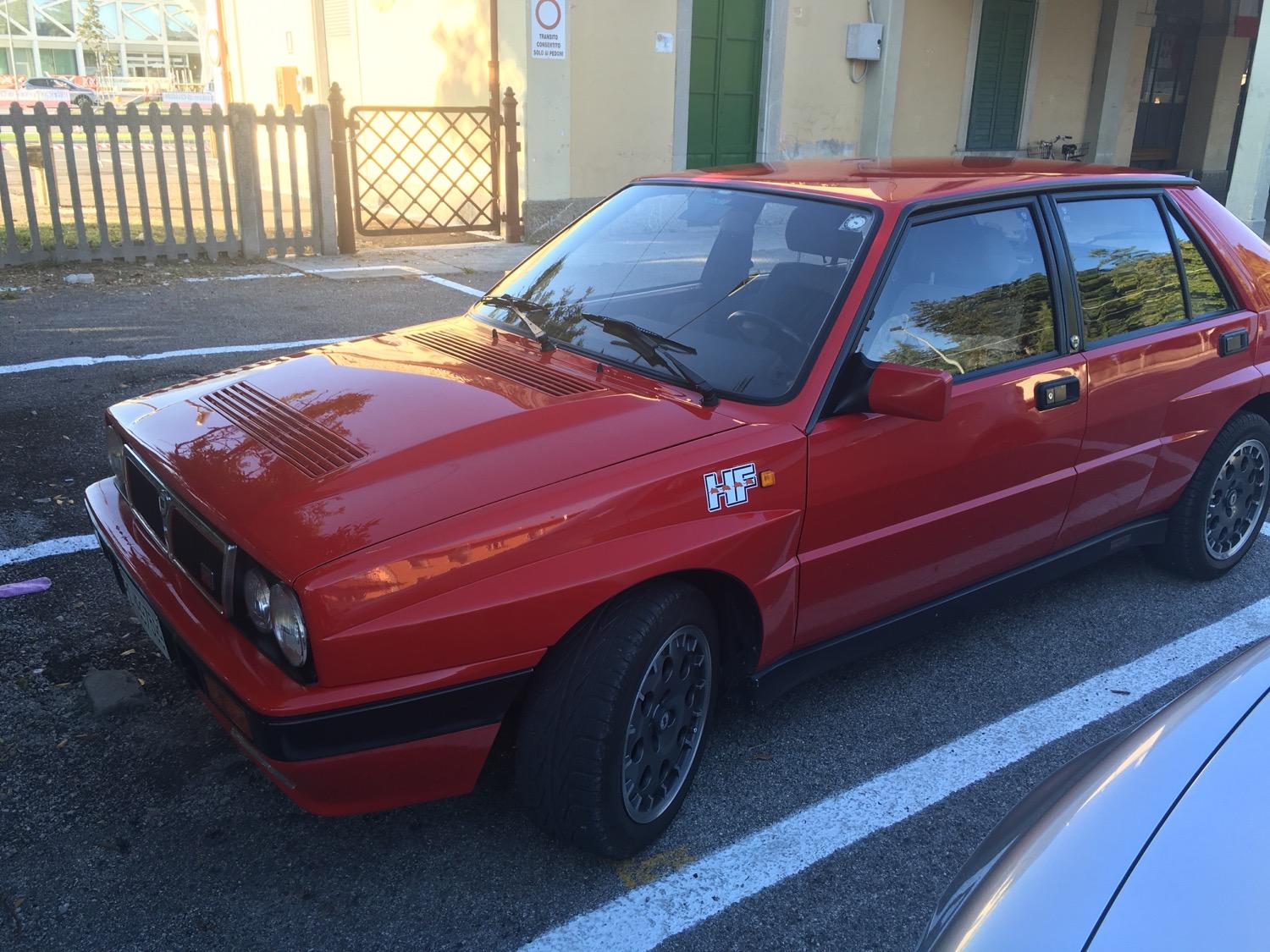
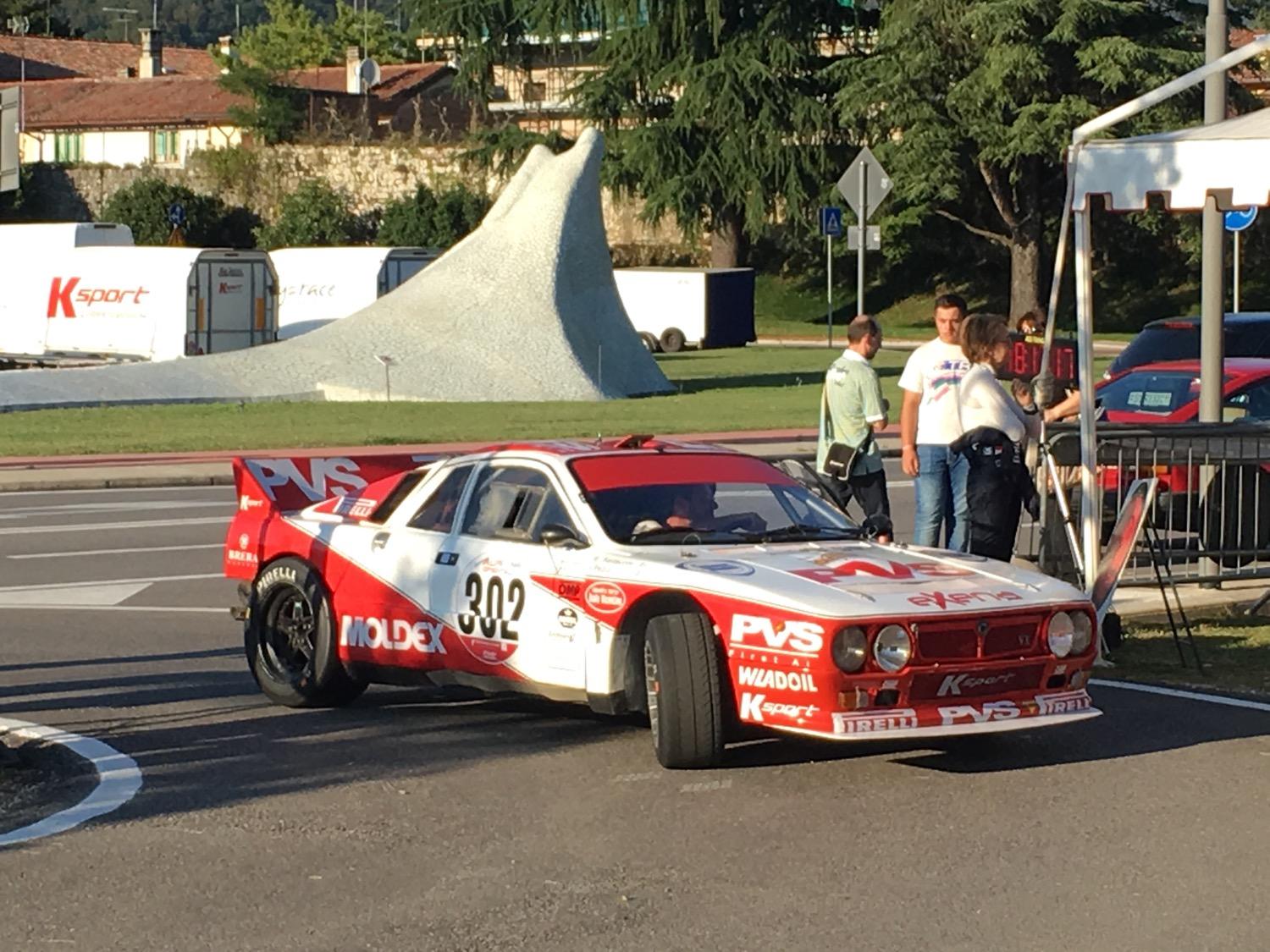
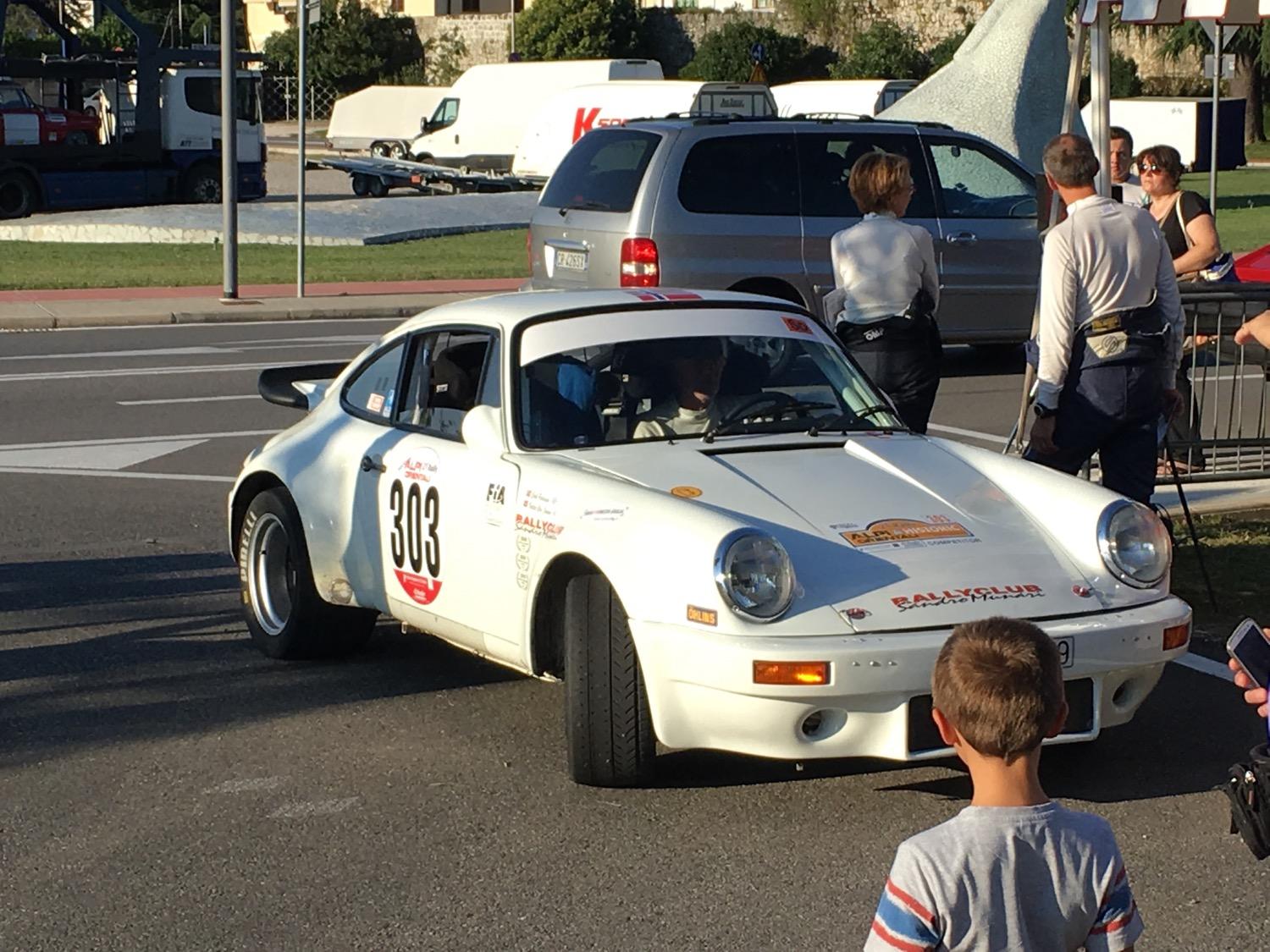
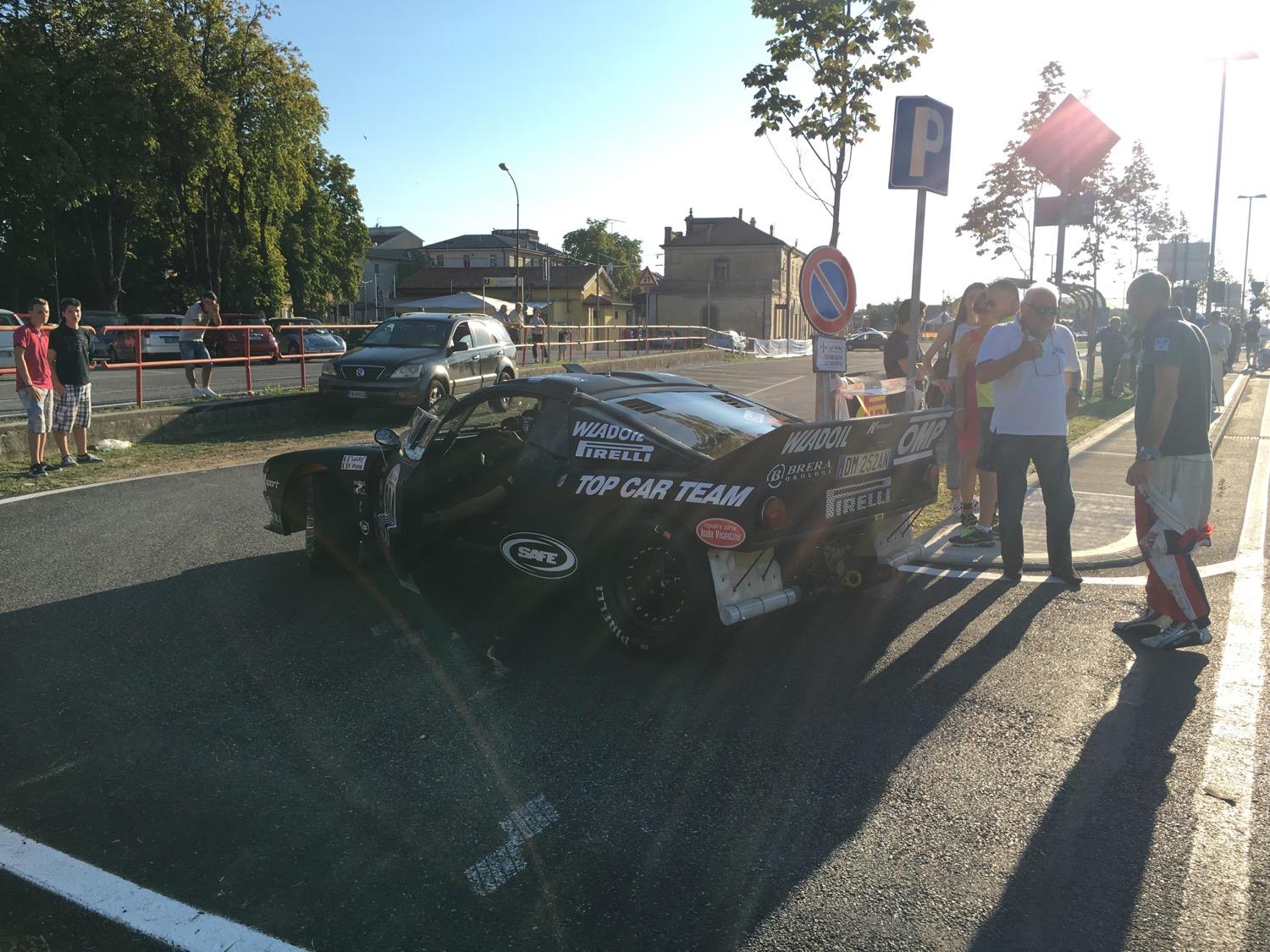
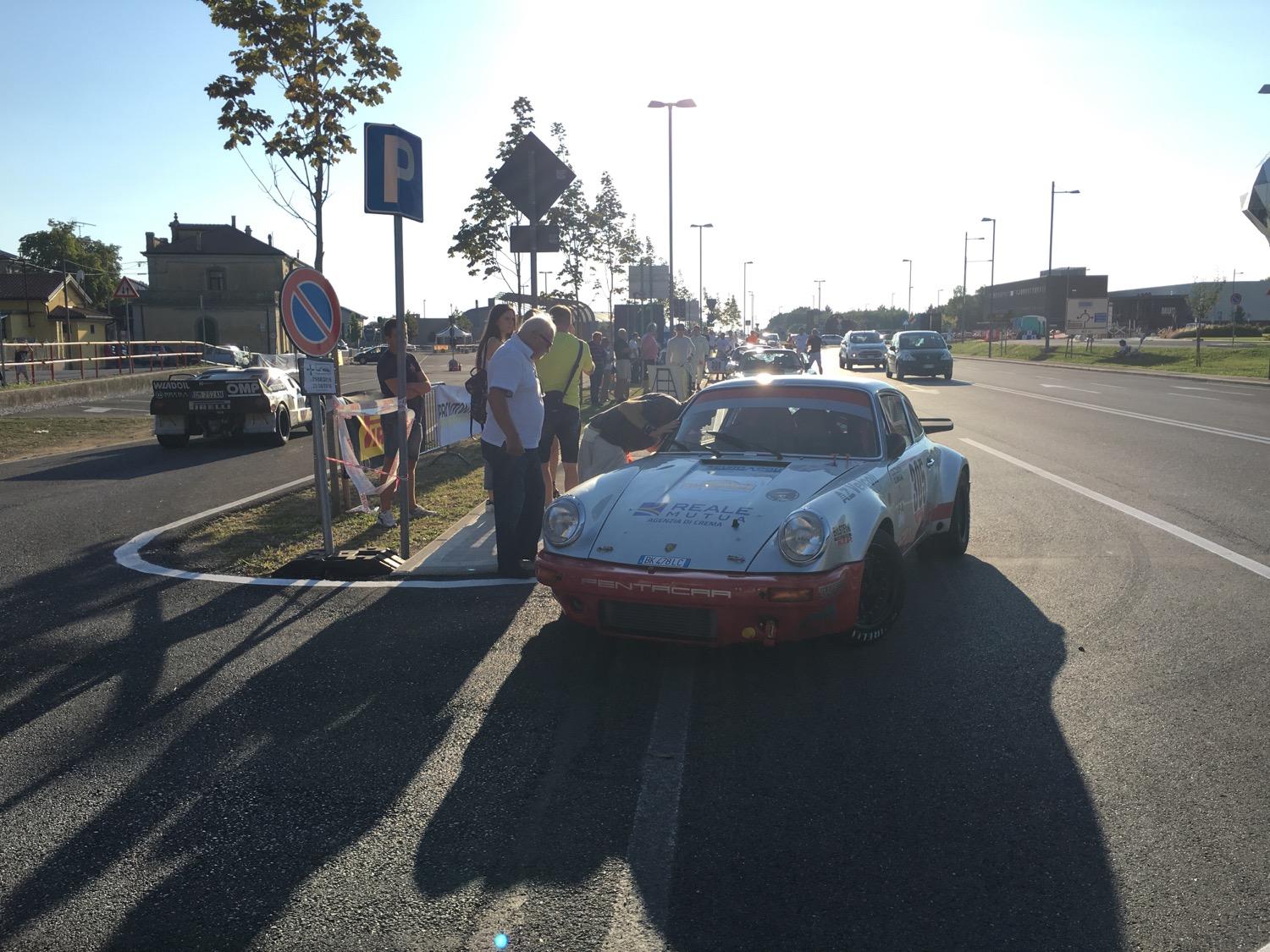
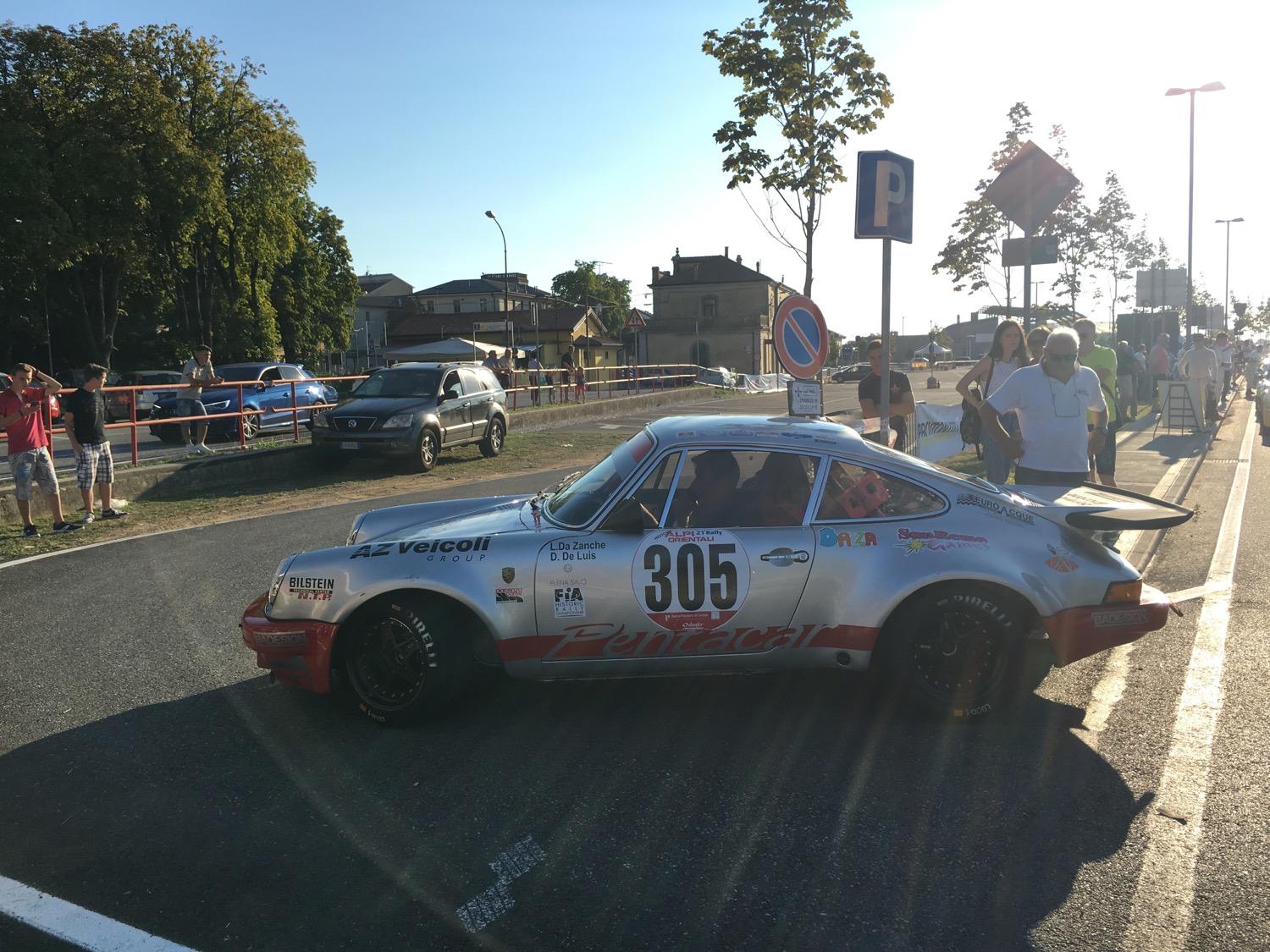
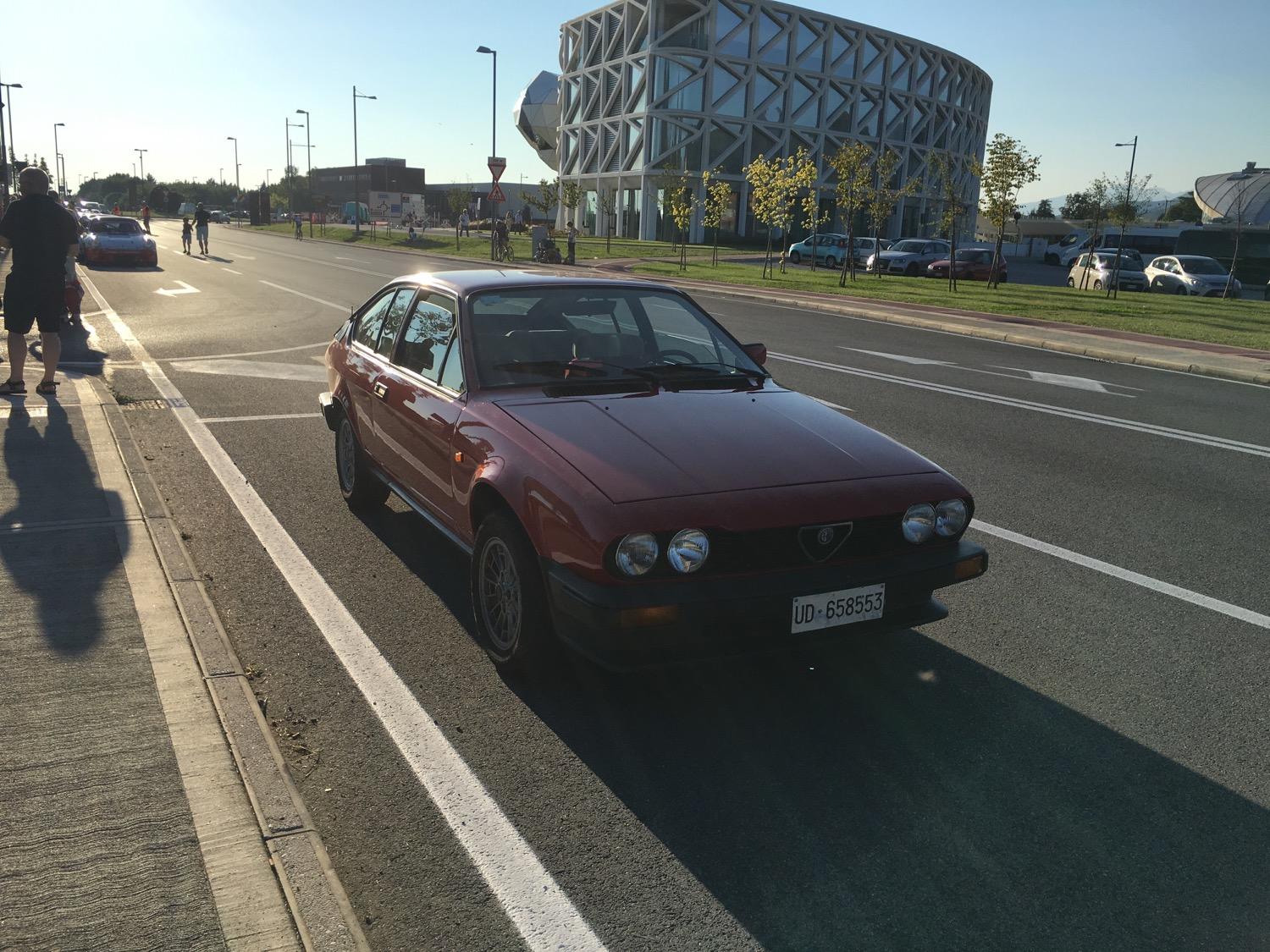
 Non vale ma vi metto qualche foto dal parco chiuso dell'alpi orientali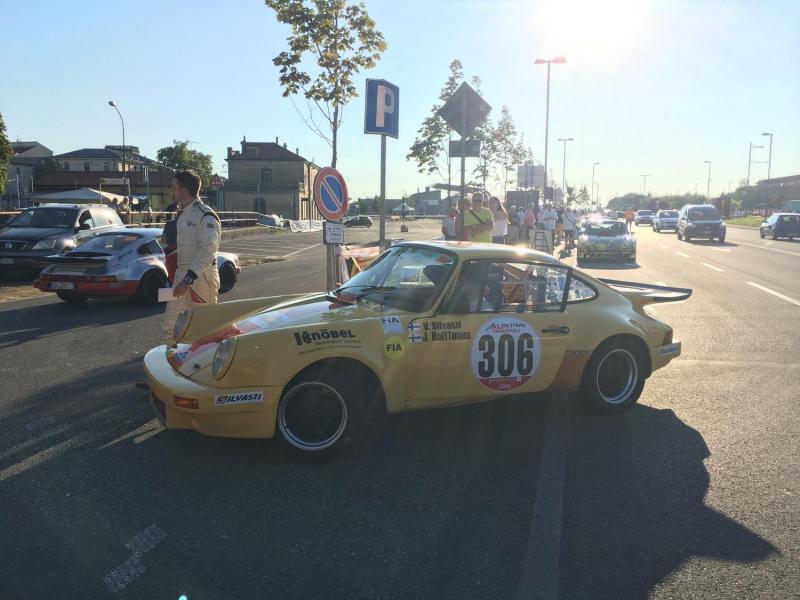
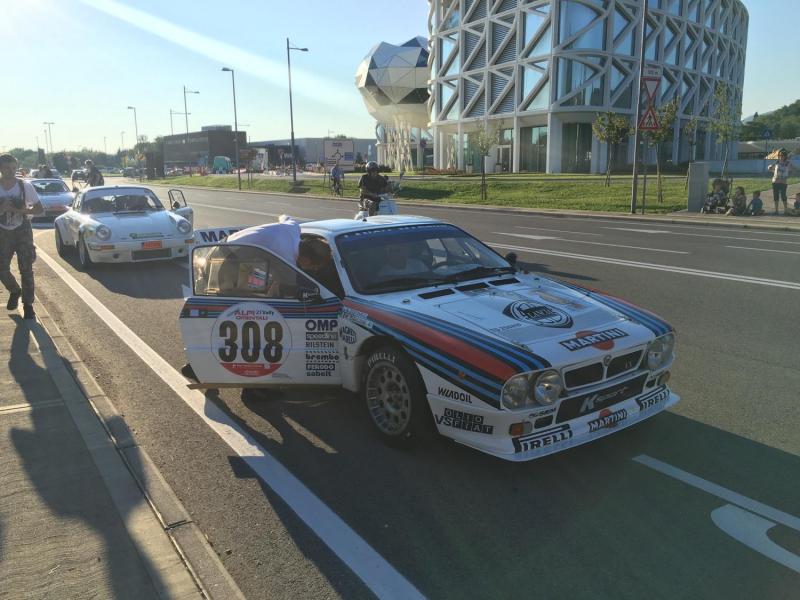
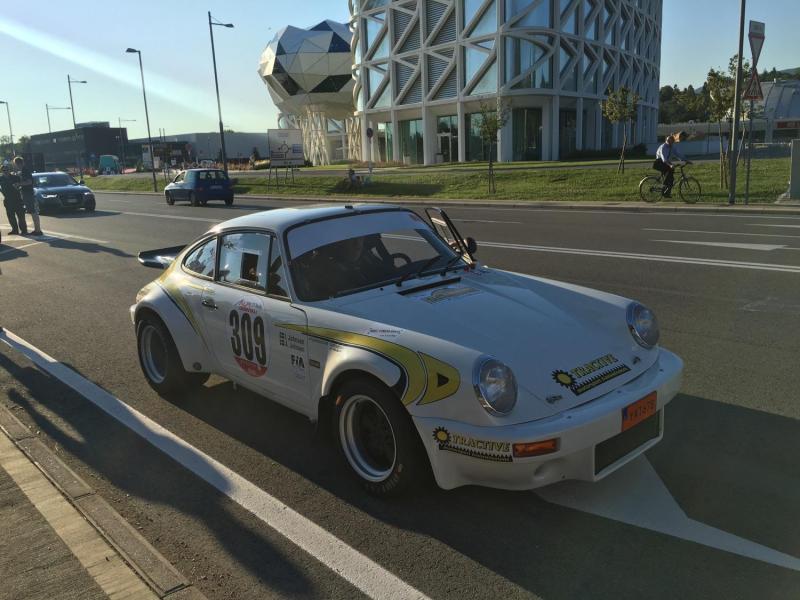
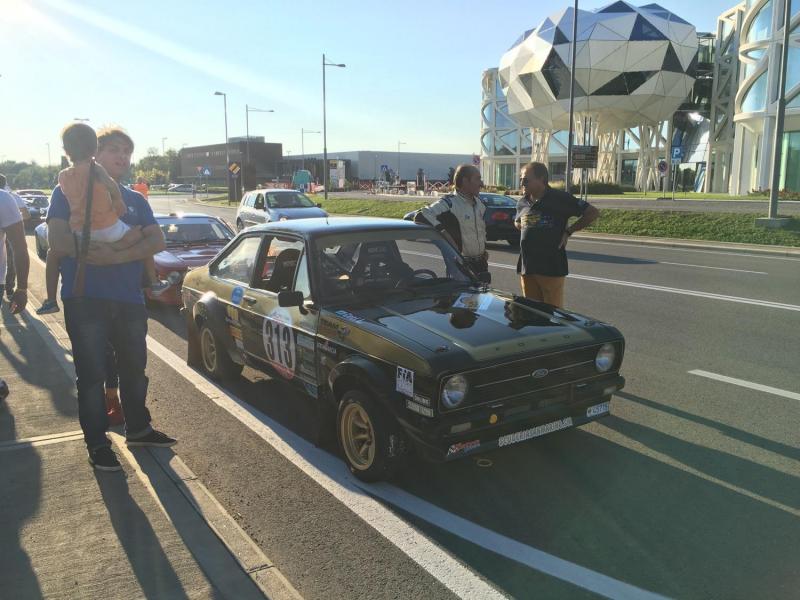
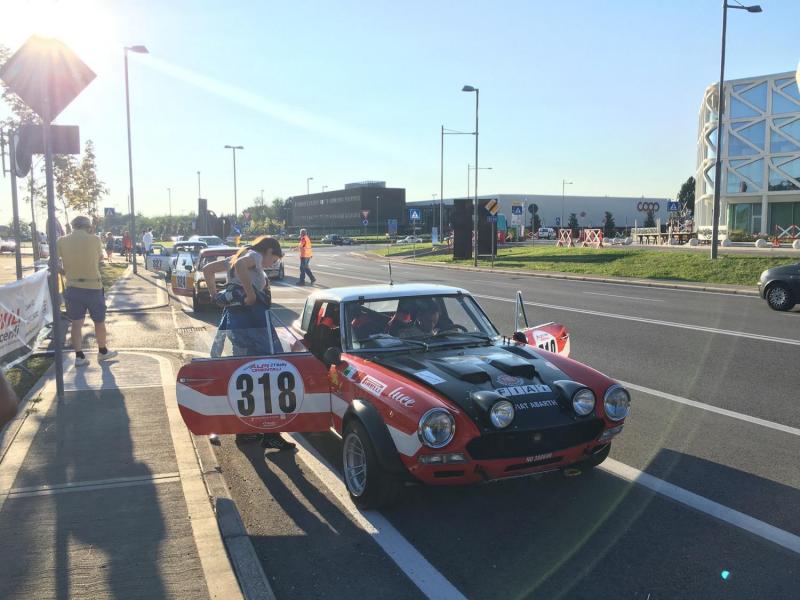
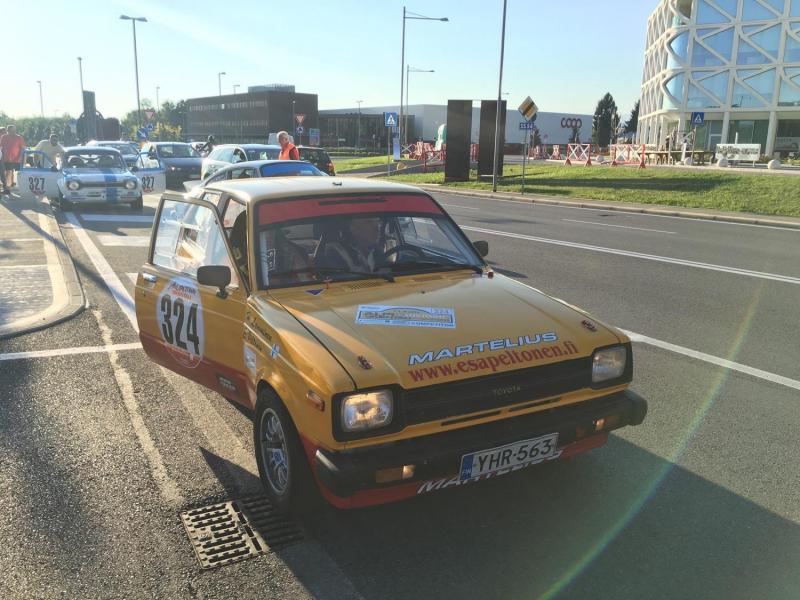
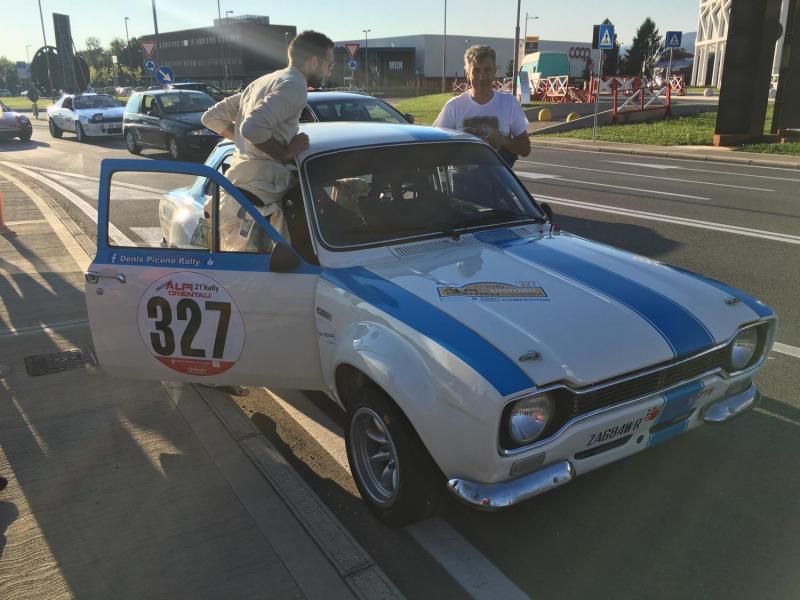
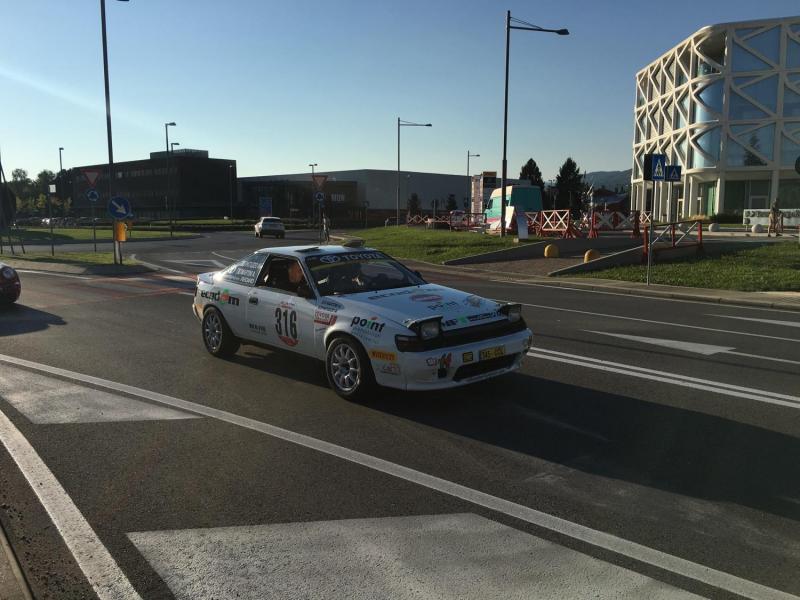
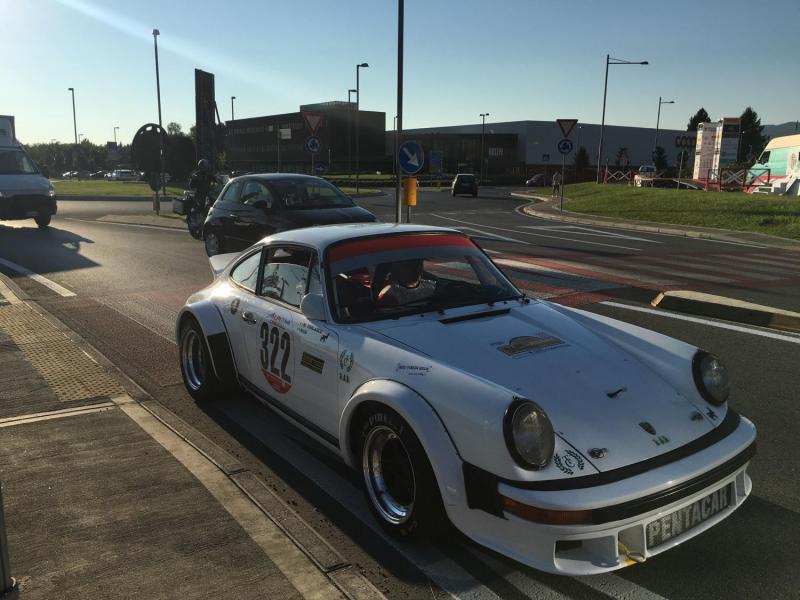
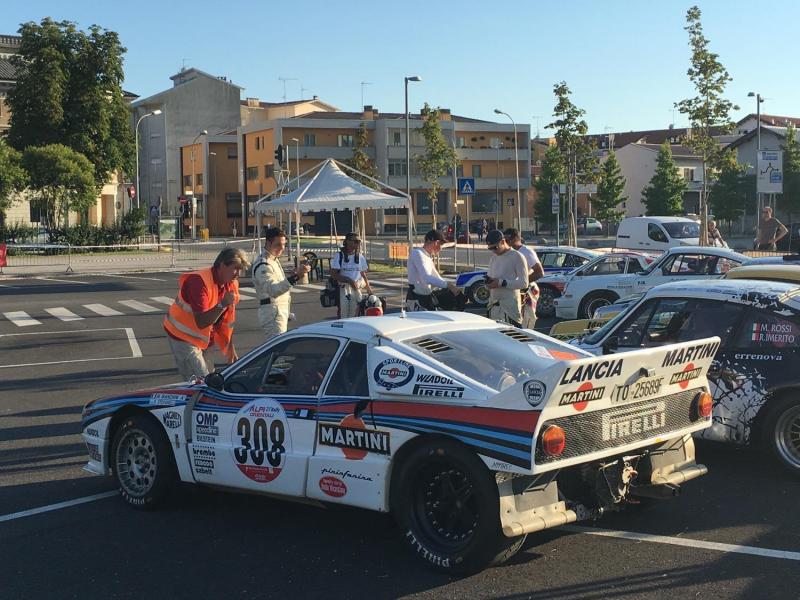
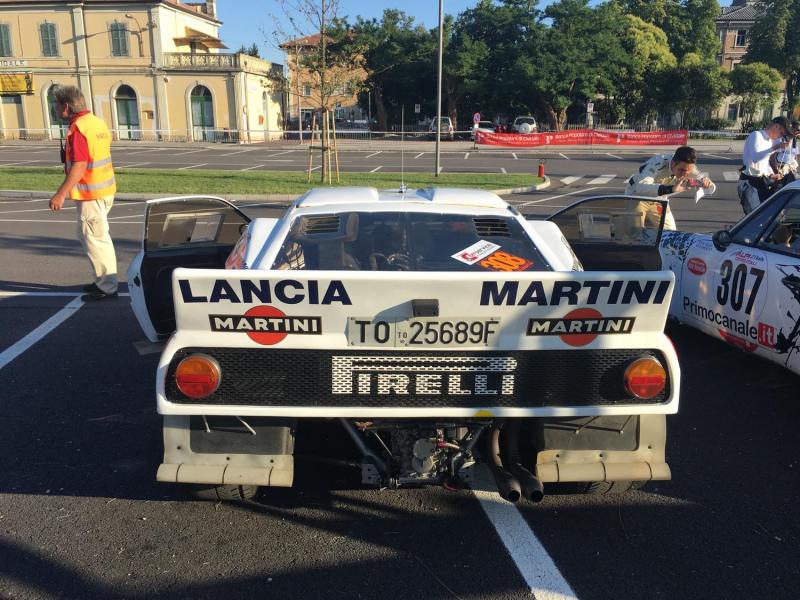
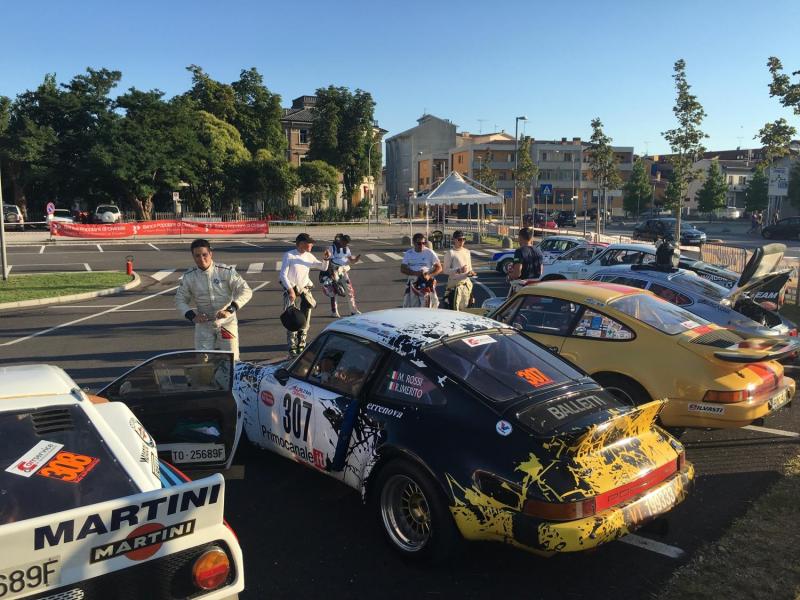
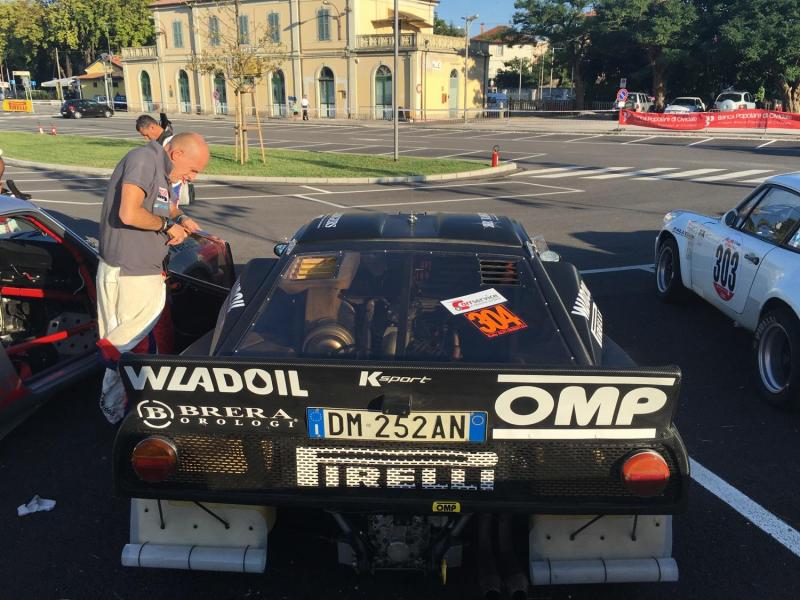
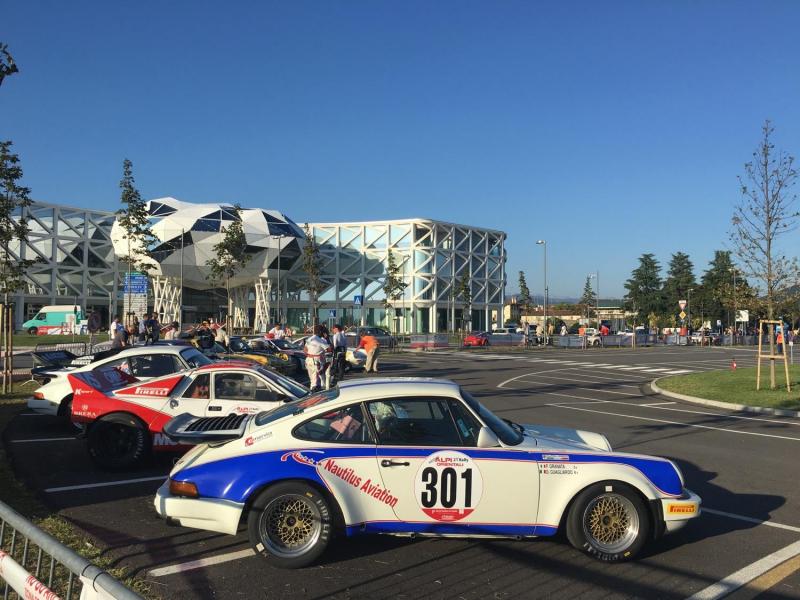
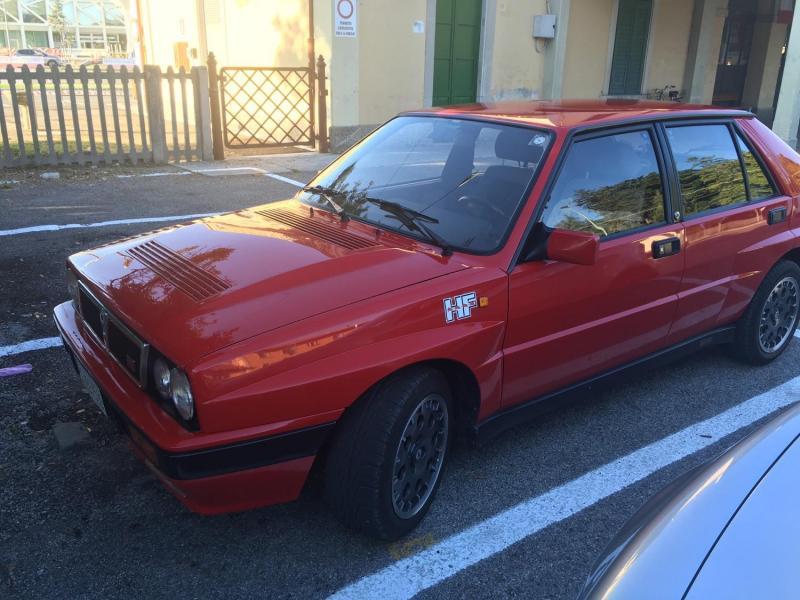
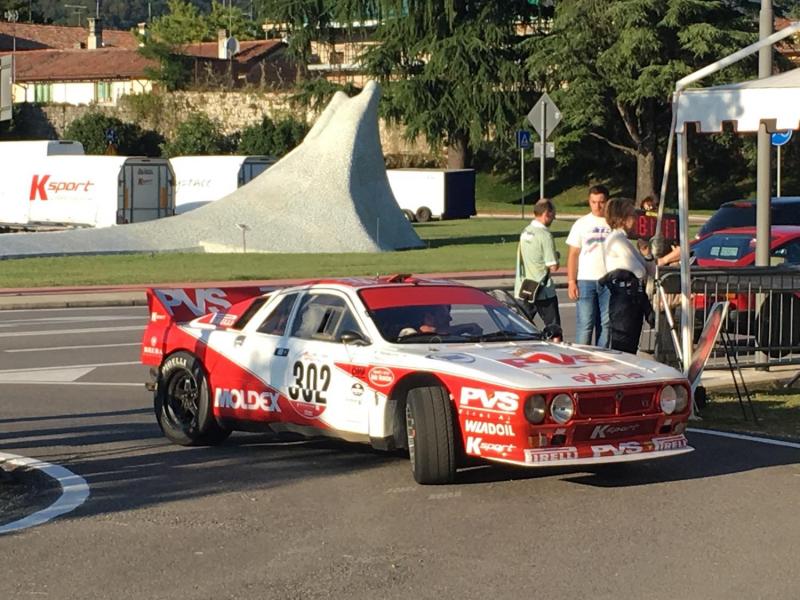
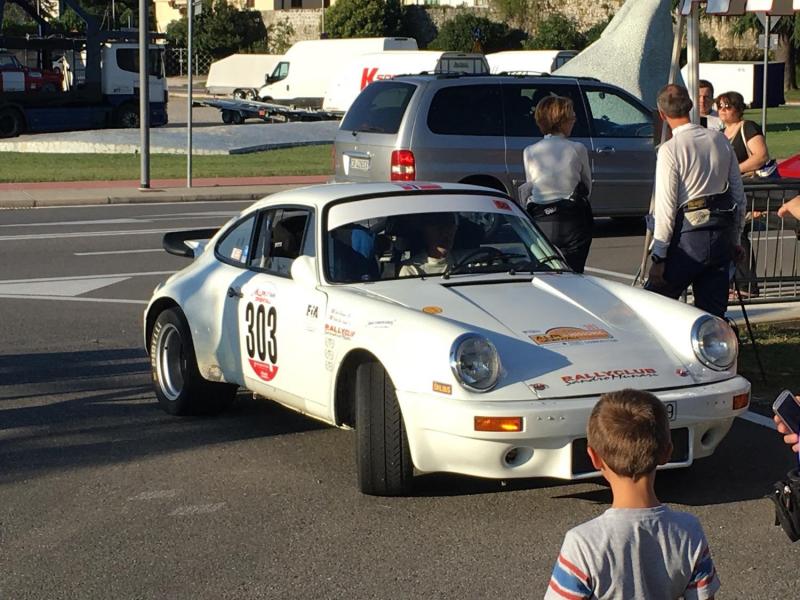
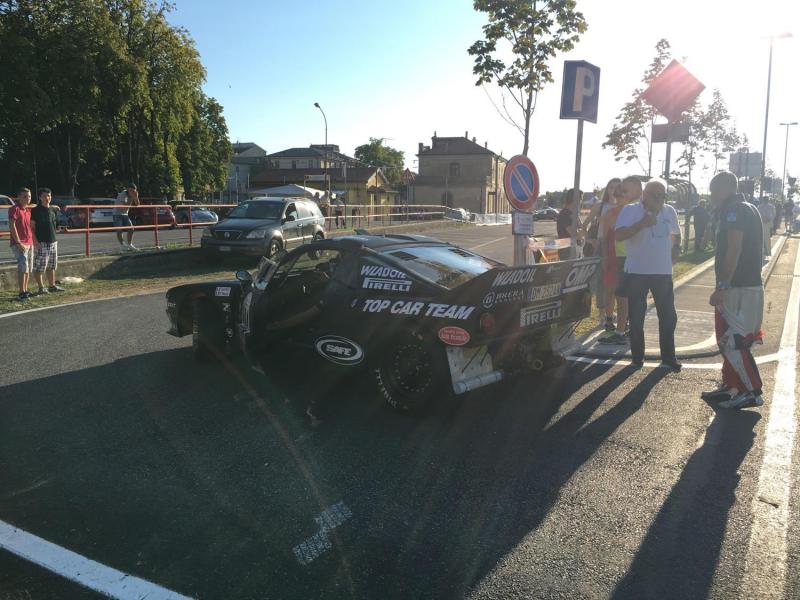
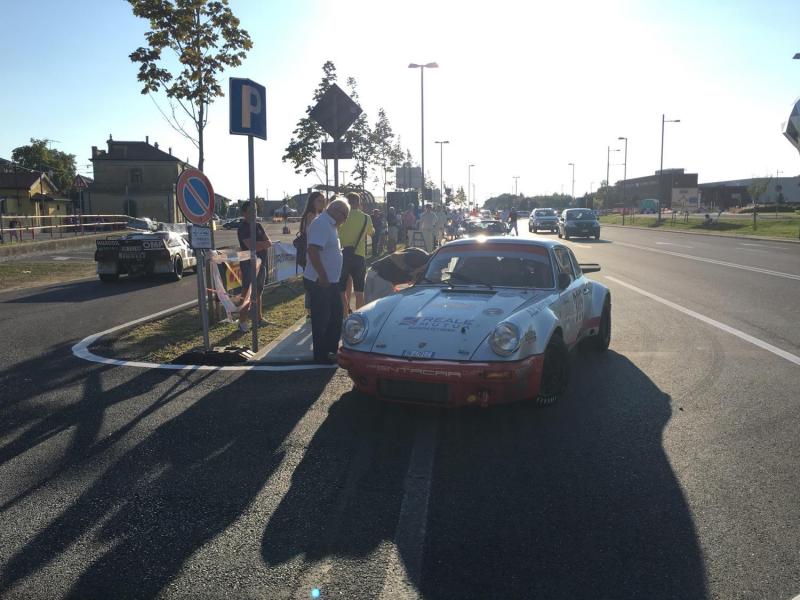
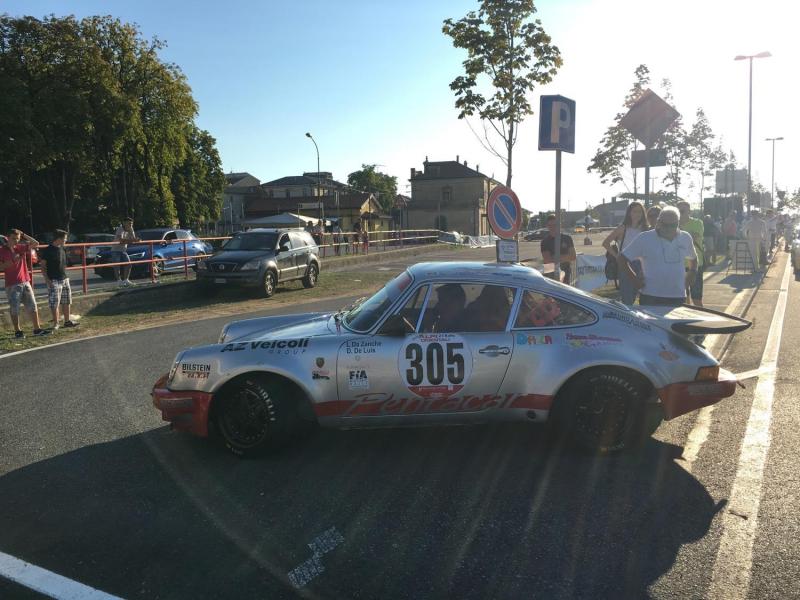
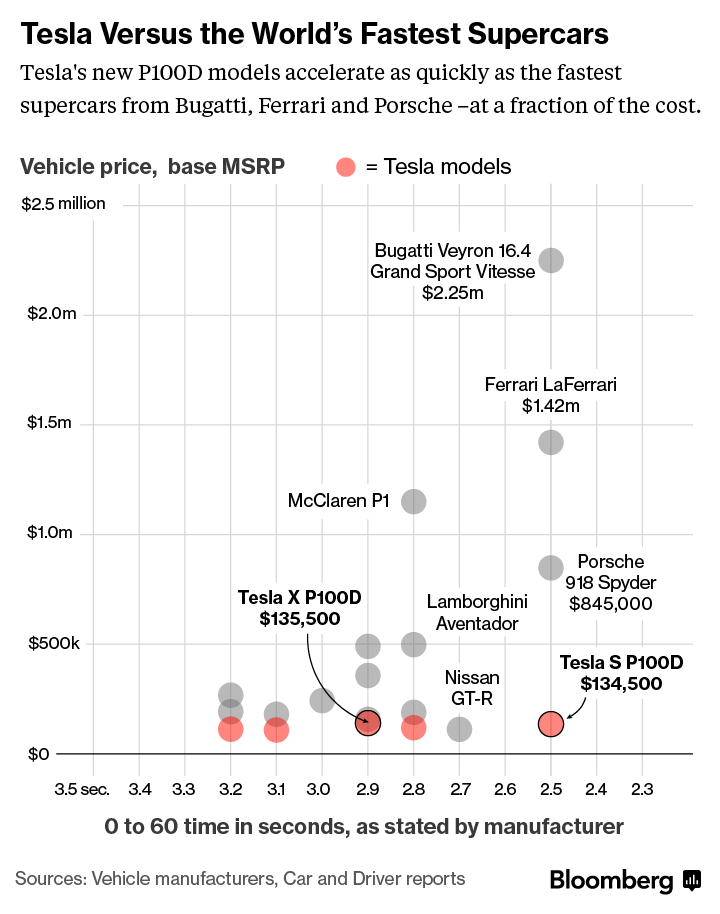
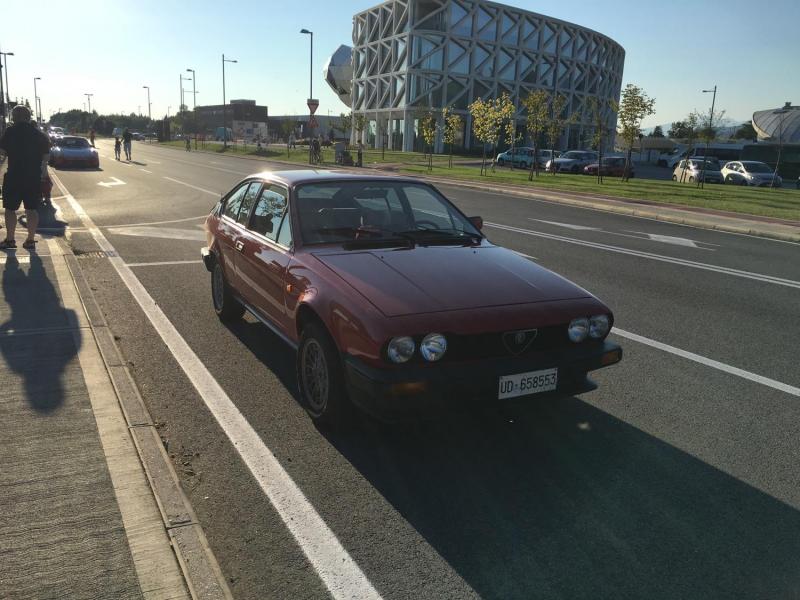 dday.it ...certo che se avessi 200/300mila dollari per l'attrezzatura mi comprerei direttamente una Tesla nuova









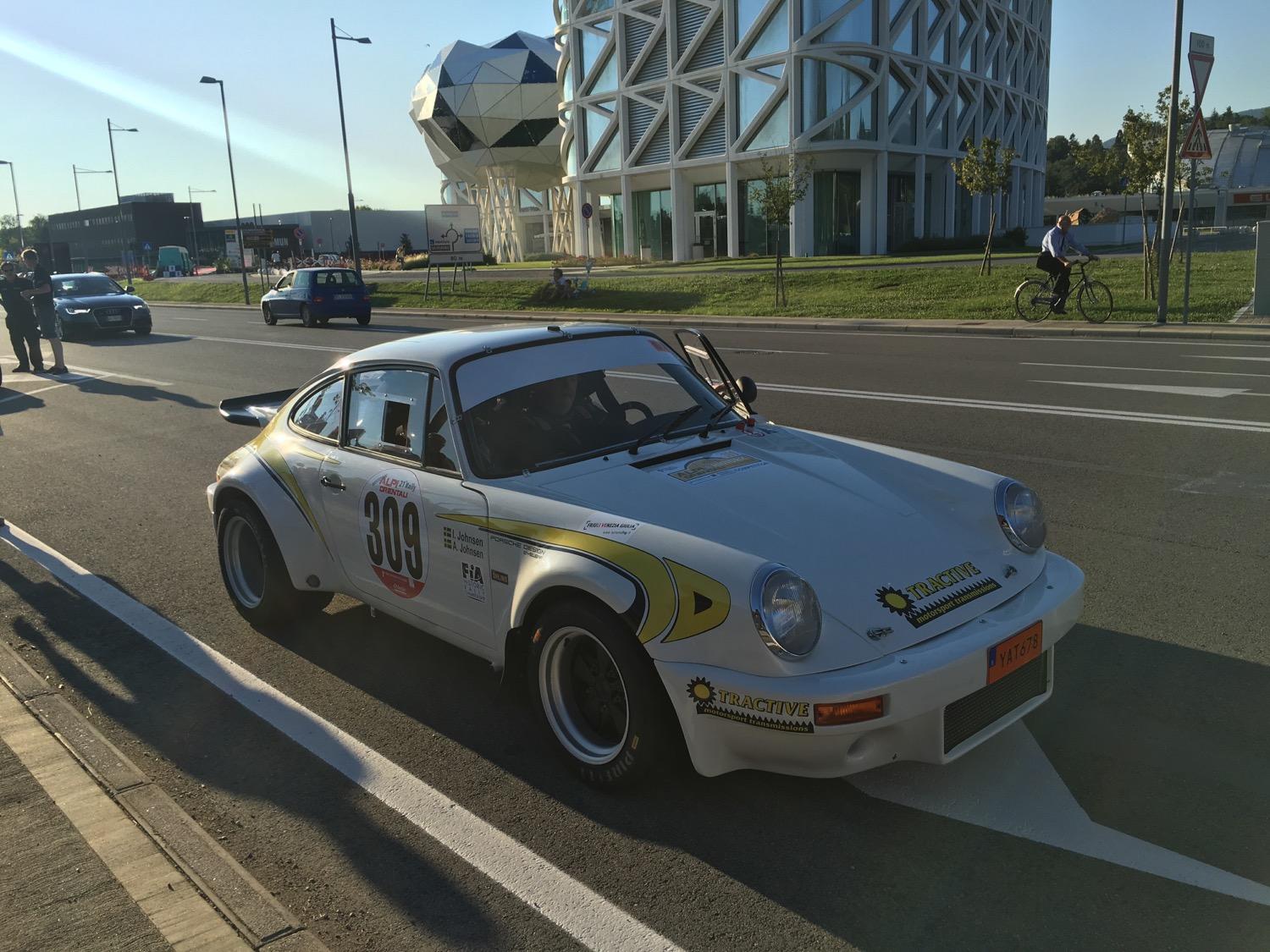
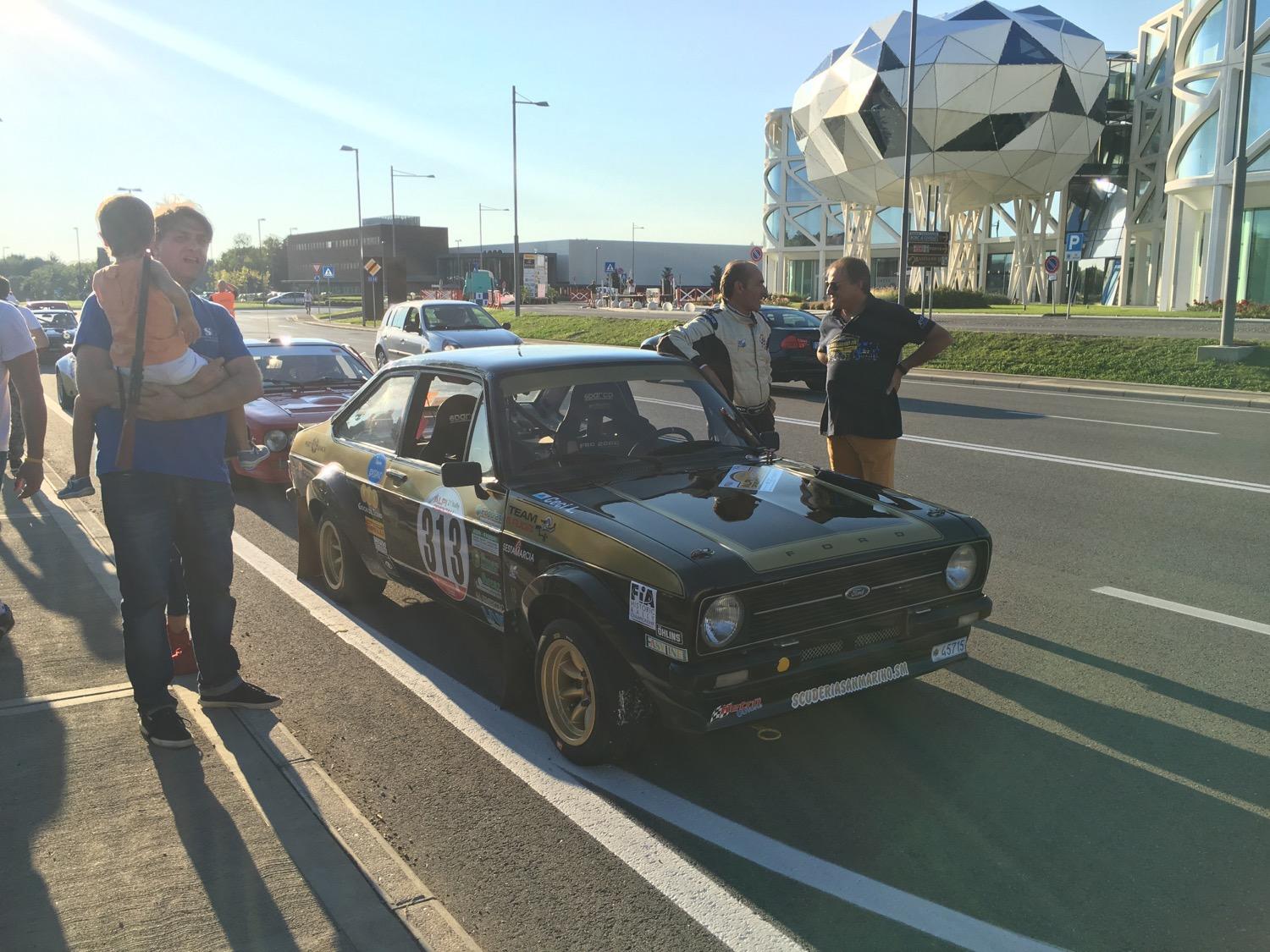

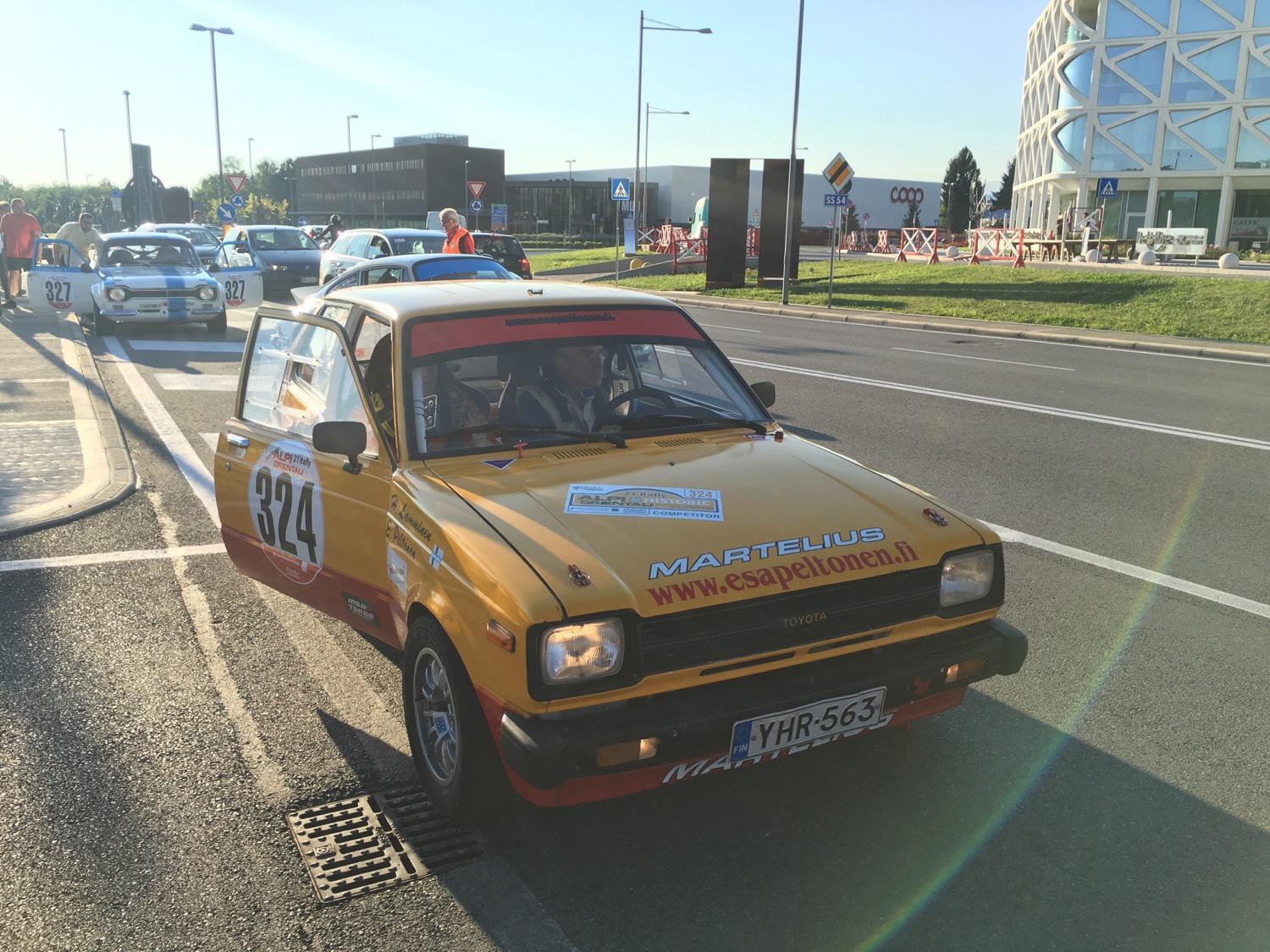
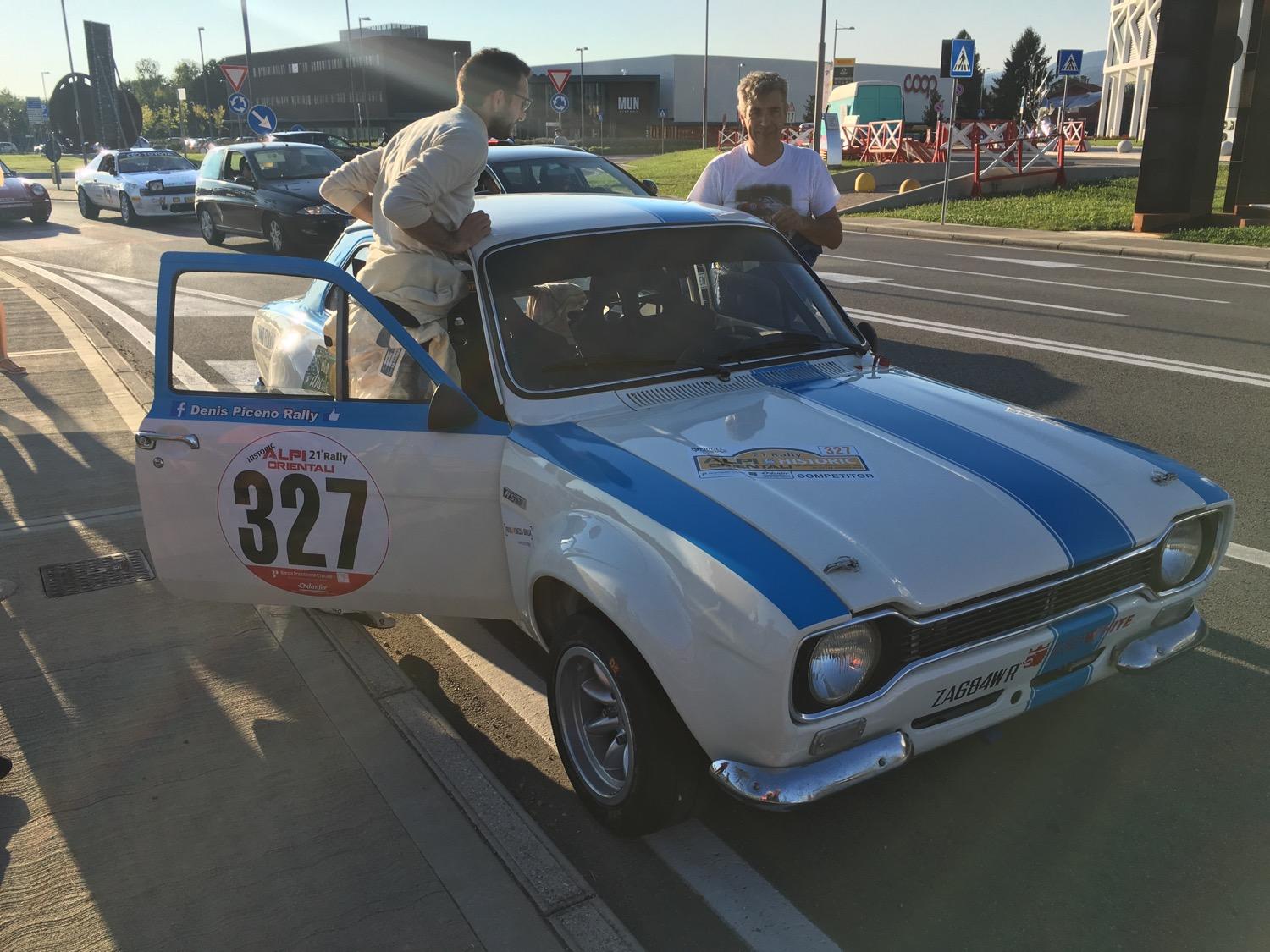


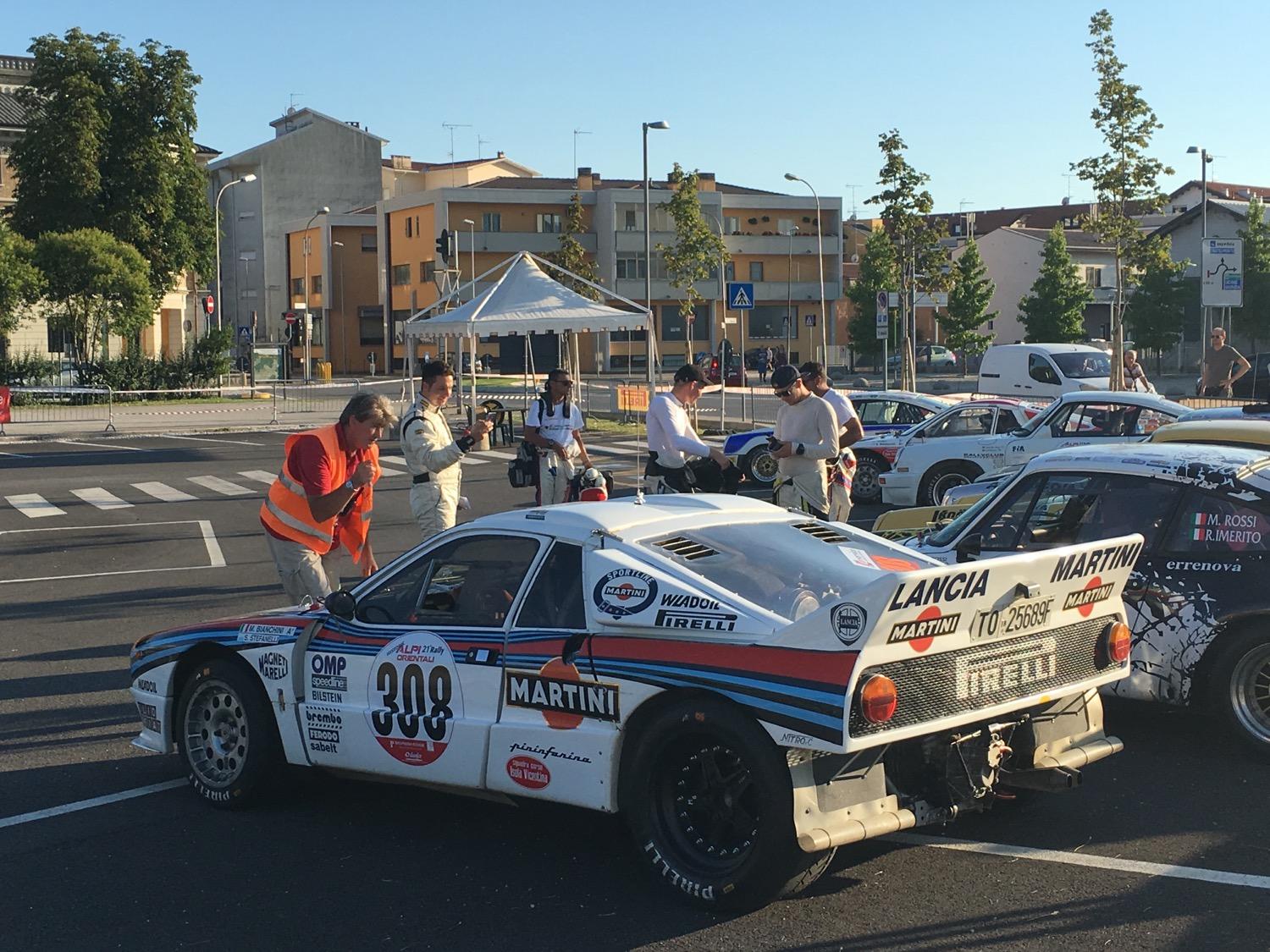

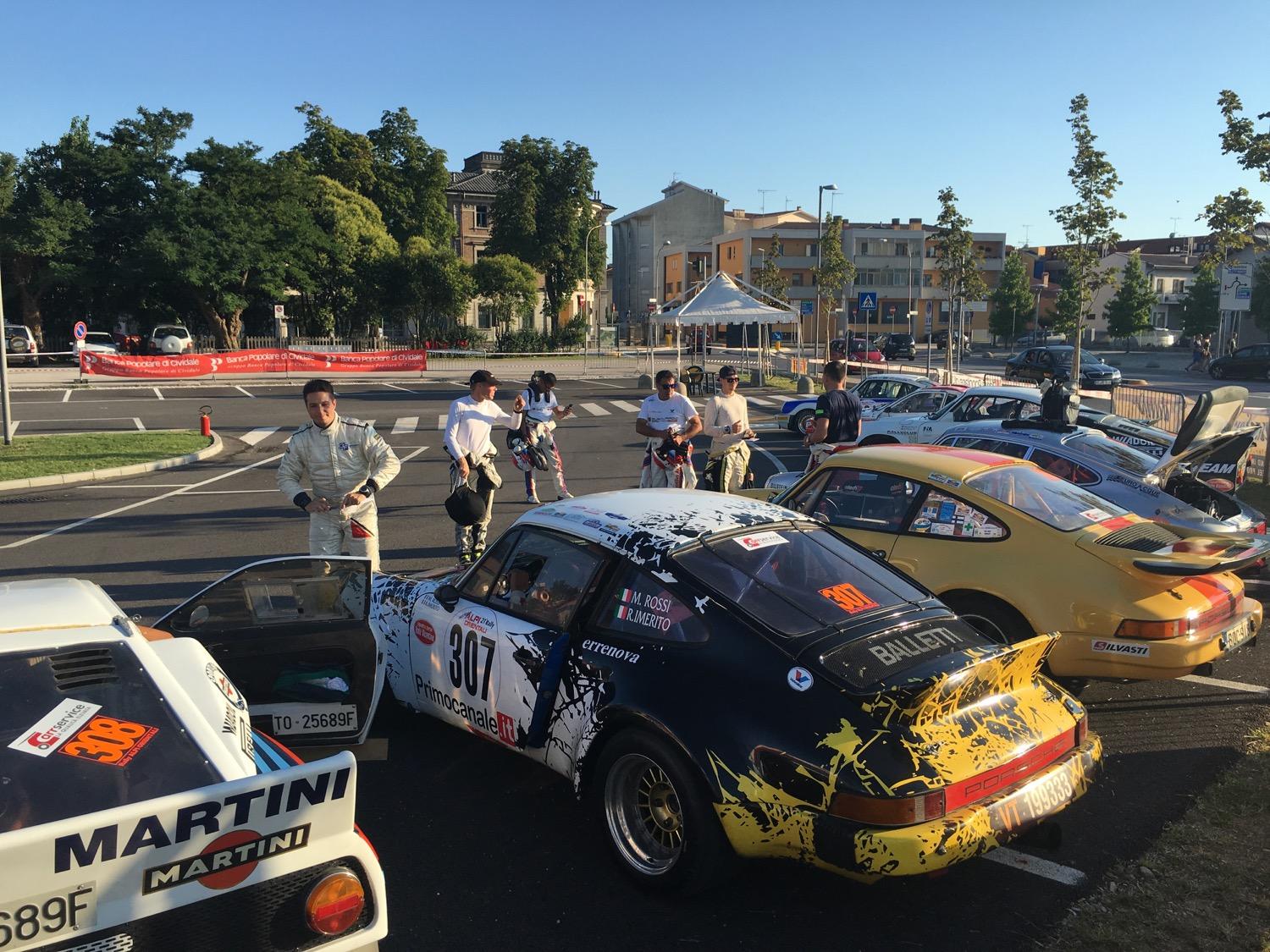
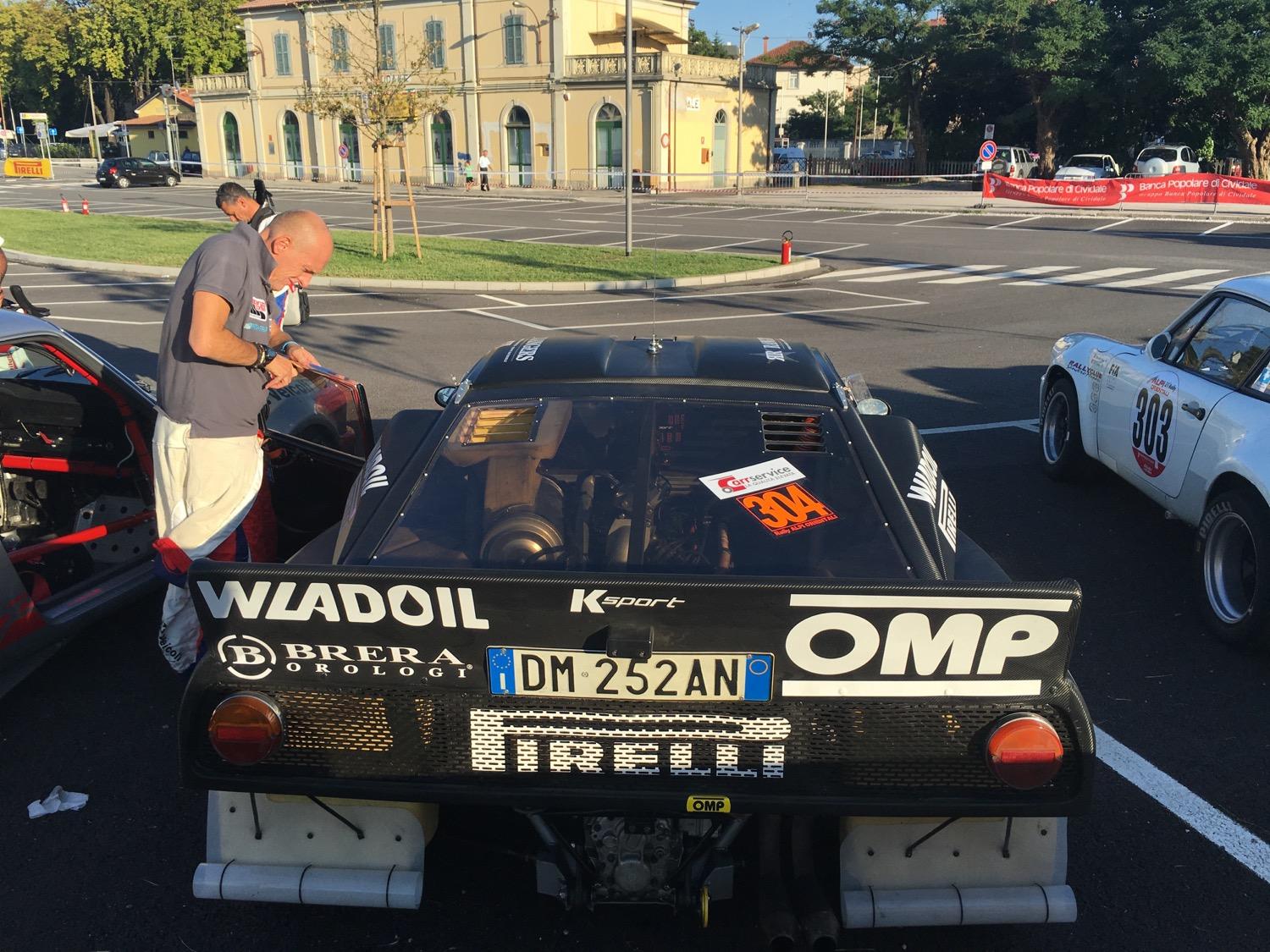
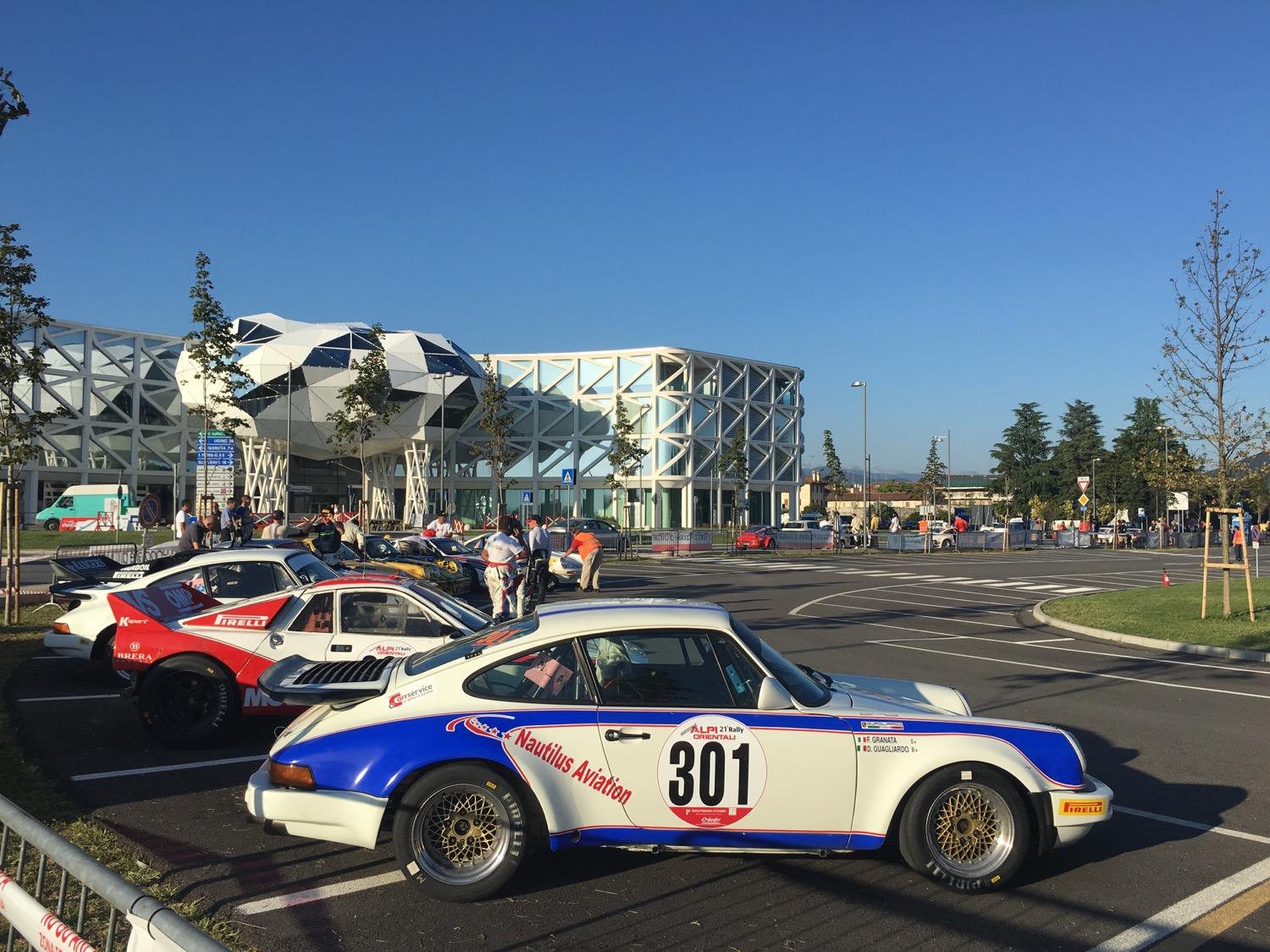






Account
Navigation
Cerca
Configure browser push notifications
Chrome (Android)
- Tap the lock icon next to the address bar.
- Tap Permissions → Notifications.
- Adjust your preference.
Chrome (Desktop)
- Click the padlock icon in the address bar.
- Select Site settings.
- Find Notifications and adjust your preference.
Safari (iOS 16.4+)
- Ensure the site is installed via Add to Home Screen.
- Open Settings App → Notifications.
- Find your app name and adjust your preference.
Safari (macOS)
- Go to Safari → Preferences.
- Click the Websites tab.
- Select Notifications in the sidebar.
- Find this website and adjust your preference.
Edge (Android)
- Tap the lock icon next to the address bar.
- Tap Permissions.
- Find Notifications and adjust your preference.
Edge (Desktop)
- Click the padlock icon in the address bar.
- Click Permissions for this site.
- Find Notifications and adjust your preference.
Firefox (Android)
- Go to Settings → Site permissions.
- Tap Notifications.
- Find this site in the list and adjust your preference.
Firefox (Desktop)
- Open Firefox Settings.
- Search for Notifications.
- Find this site in the list and adjust your preference.