





MotorPassion
Reporter (Staff)
-
Iscritto il
-
Ultima visita
Tutti i contenuti di MotorPassion
-
-
Confermato il Pesce d'Aprile.
-
Livrea HAAS per il GP del Giappone. Snapins.ai_video_AQMf4GrNv40WQh-M9o5BzXOXmX4-fnNrXhC7trSjjPz5QqcGfLqjRF-7E7vOXqh3YslC3-orPv4HgnmH-cphJgxl8q8OQqSIvhytCjU.mp4
-
-
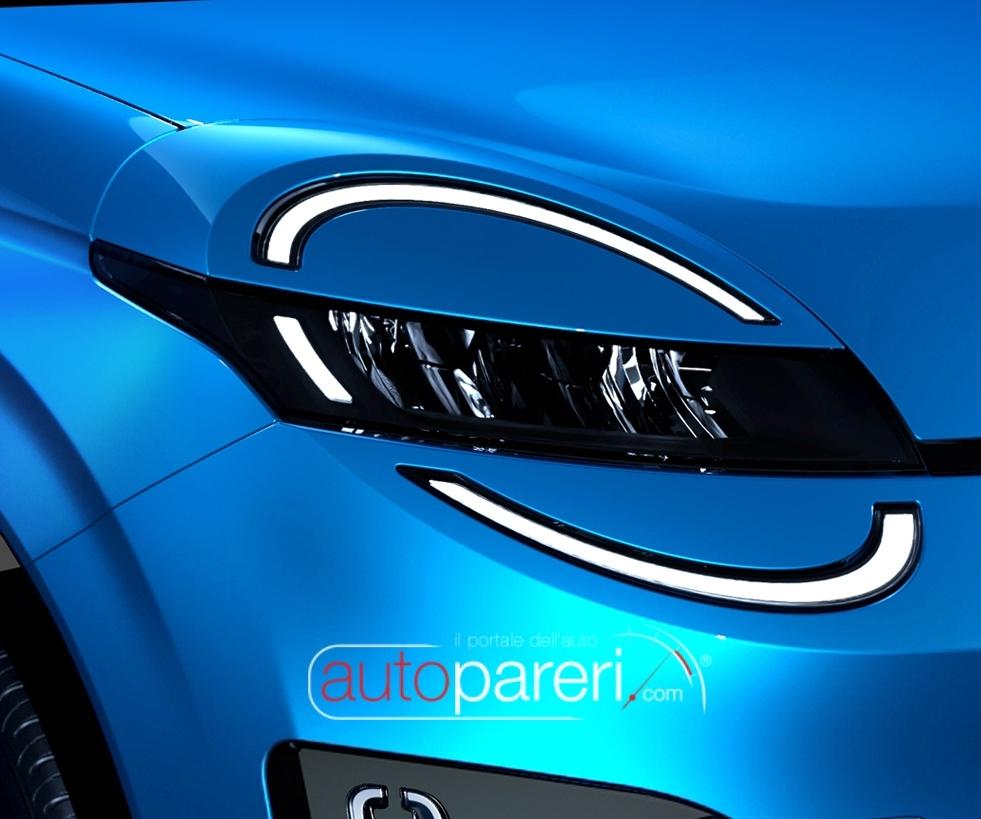
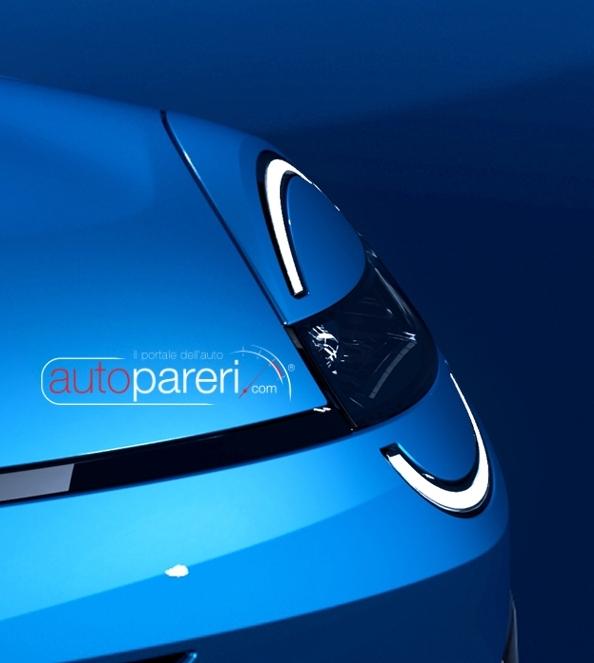
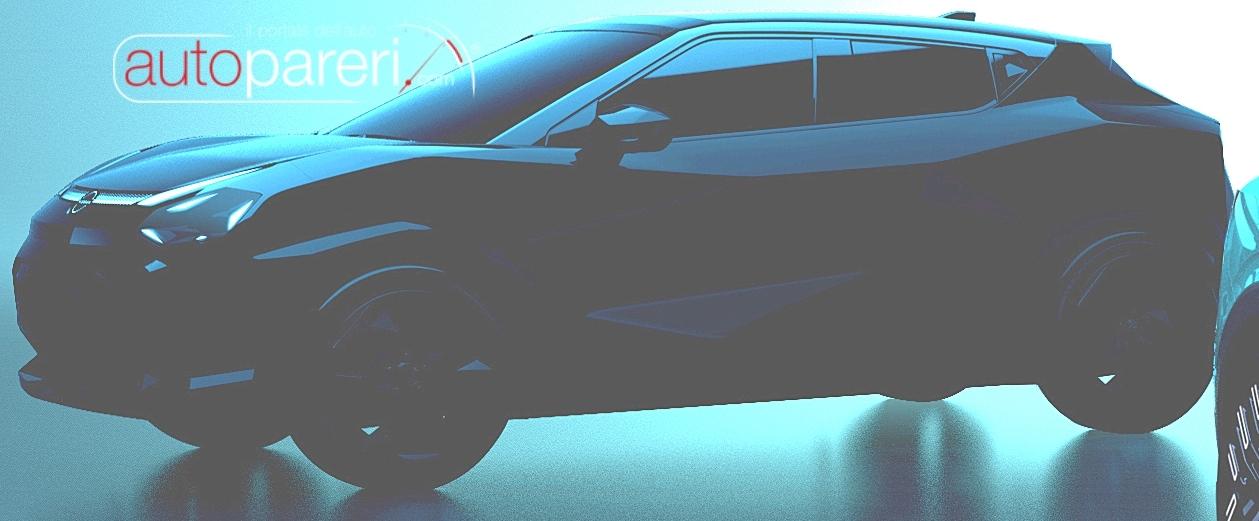
Tra gli usati (semestrali) e/o km0 , nel range di spesa da te indicato potresti trovare anche Hyundai Kona, Citroen C5 Aircross e Nissan Qashqai; tutte mild e/o full-hybrid.Così camuffata potrebbe benissimo passare per la cugina Grandland.
- 552 risposte
-
-

- 7
-
-
- compass
- compass spy
- j4u
- jeep
-
Taggato come:
Ferrari proprio male, i piloti fanno quel che possono. Ok che il campionato è appena iniziato, ma secondo voi c'è margine di miglioramento per la monoposto Ferrari? Oppure non resta che aspettare il nuovo campionato con le nuove regole e vetture?















Account
Navigation
Cerca
Configure browser push notifications
Chrome (Android)
- Tap the lock icon next to the address bar.
- Tap Permissions → Notifications.
- Adjust your preference.
Chrome (Desktop)
- Click the padlock icon in the address bar.
- Select Site settings.
- Find Notifications and adjust your preference.
Safari (iOS 16.4+)
- Ensure the site is installed via Add to Home Screen.
- Open Settings App → Notifications.
- Find your app name and adjust your preference.
Safari (macOS)
- Go to Safari → Preferences.
- Click the Websites tab.
- Select Notifications in the sidebar.
- Find this website and adjust your preference.
Edge (Android)
- Tap the lock icon next to the address bar.
- Tap Permissions.
- Find Notifications and adjust your preference.
Edge (Desktop)
- Click the padlock icon in the address bar.
- Click Permissions for this site.
- Find Notifications and adjust your preference.
Firefox (Android)
- Go to Settings → Site permissions.
- Tap Notifications.
- Find this site in the list and adjust your preference.
Firefox (Desktop)
- Open Firefox Settings.
- Search for Notifications.
- Find this site in the list and adjust your preference.